
Story‑Driven Product Photos That Boost Brand Loyalty
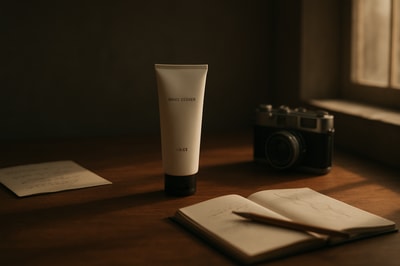
Why Story‑Driven Product Photos Matter More Than Ever
People don’t fall in love with products — they fall in love with stories.
In crowded ecommerce spaces, especially on Shopify, generic white‑background shots don’t build emotional connection. They’re functional, but they don’t answer the subconscious questions your customers are always asking:
- Who is this brand for?
- What does this product say about me?
- Can I see this in my real life?
Story‑driven product photos answer all three at once. They turn your catalog into a visual narrative — which directly boosts:
- Brand loyalty (customers feel aligned with your values and lifestyle)
- Conversion rates (images show real use, context and benefits)
- Average order value (people buy into the world of your brand, not just a single SKU)
And with tools like Supra AI Photo Studio, you can now create these narrative visuals in minutes — without hiring photographers, models, or studios.
What Makes a Product Photo "Story‑Driven"?
Story‑driven images are more than "nice lifestyle shots". They’re built around four elements:
- Character – Who is this for?
- Context – Where and how is it used?
- Conflict / Desire – What problem, need, or aspiration does it tap into?
- Resolution – How does your product improve the moment?
Think of each image as a tiny movie frame. Even a static photo can hint at:
- What happened before the shot
- What might happen after
- How the product is part of that ongoing story
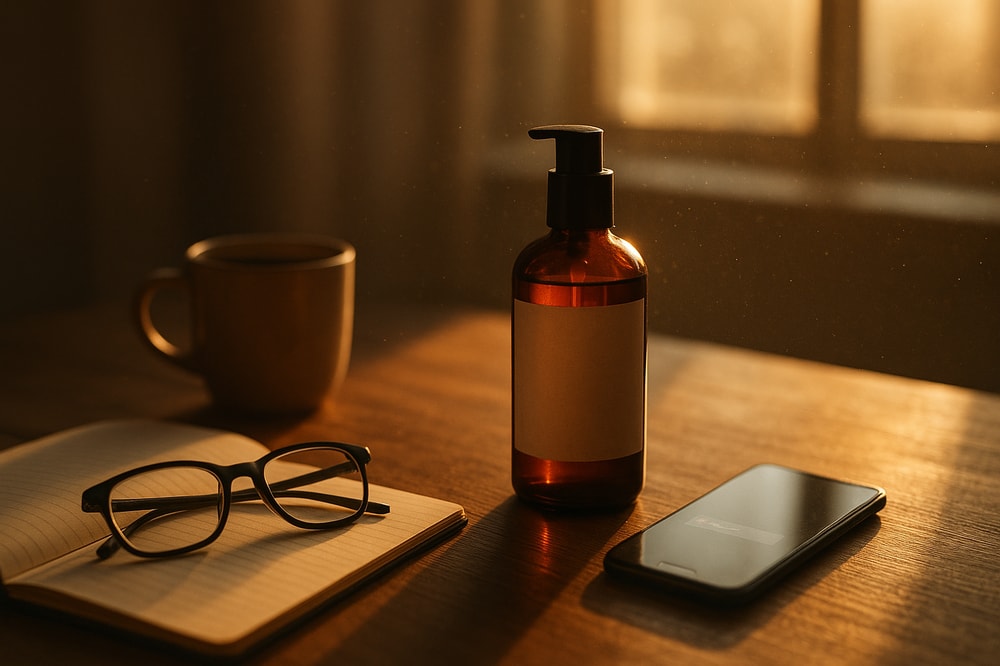
Step 1: Define Your Brand’s Core Story
Before you create any visuals, clarify the narrative your brand wants to tell. Ask:
- Who is our protagonist?
Busy parent, minimalist creator, eco‑conscious traveler, gym‑first professional? - What do they care about?
Sustainability, status, comfort, time‑saving, self‑expression? - What transformation do we offer?
From stressed to calm, from cluttered to organized, from generic to unique.
Write a 1–2 sentence brand story, like:
"We help busy urban professionals create calming rituals at home with thoughtfully designed wellness essentials."
Every product photo should visually reinforce this sentence.
Step 2: Turn Features Into Visual Moments
Most product pages stop at bullet points:
- "Water‑resistant"
- "Vegan leather"
- "15‑hour battery"
Story‑driven photography turns these features into moments your customer can feel.
Examples:
- Water‑resistant → a backpack resting on a rainy train station bench, droplets beading on the surface.
- Vegan leather → a close‑up of the texture in a sunlit cafe, next to a reusable cup and a plant.
- 15‑hour battery → headphones tossed on a bedside table after a long day of use, phone at low battery but headphones still going.
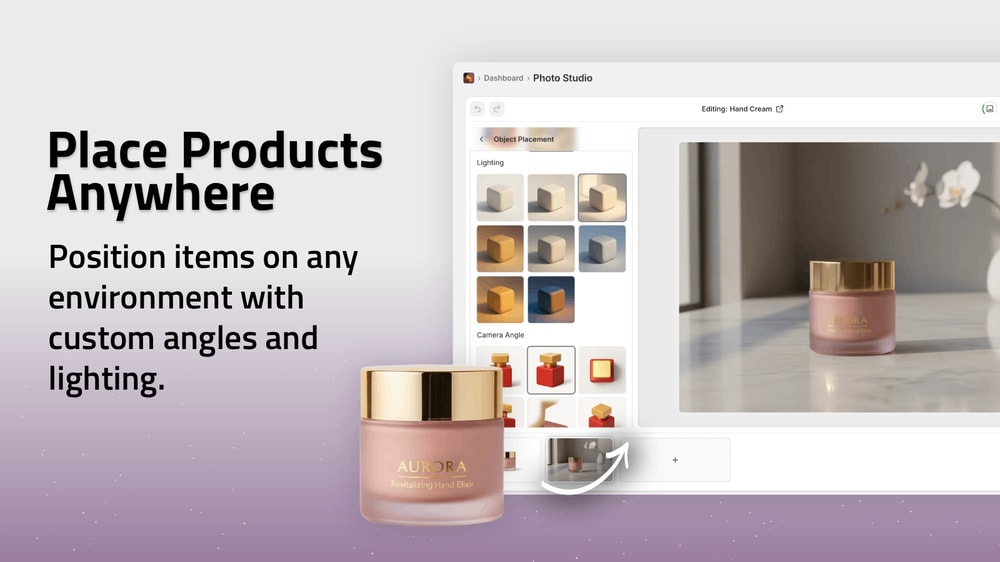
With Supra AI Photo Studio, this moment-creation is simple:
- Upload a basic product shot.
- Use Object Placement to place it in on‑brand lifestyle scenes (studio, boutique, kitchen, outdoors, office, etc.).
- Adjust camera angle and lighting style to match the mood of your story.
Step 3: Use Models to Tell Relatable Stories
Faces are shortcut storytellers. Model photos:
- Build trust (especially for fashion, accessories, beauty, jewelry)
- Show fit, scale, and style at a glance
- Help customers imagine themselves using your product
Traditionally, on‑model shoots are expensive and logistically heavy. With AI try‑on, they’re not.
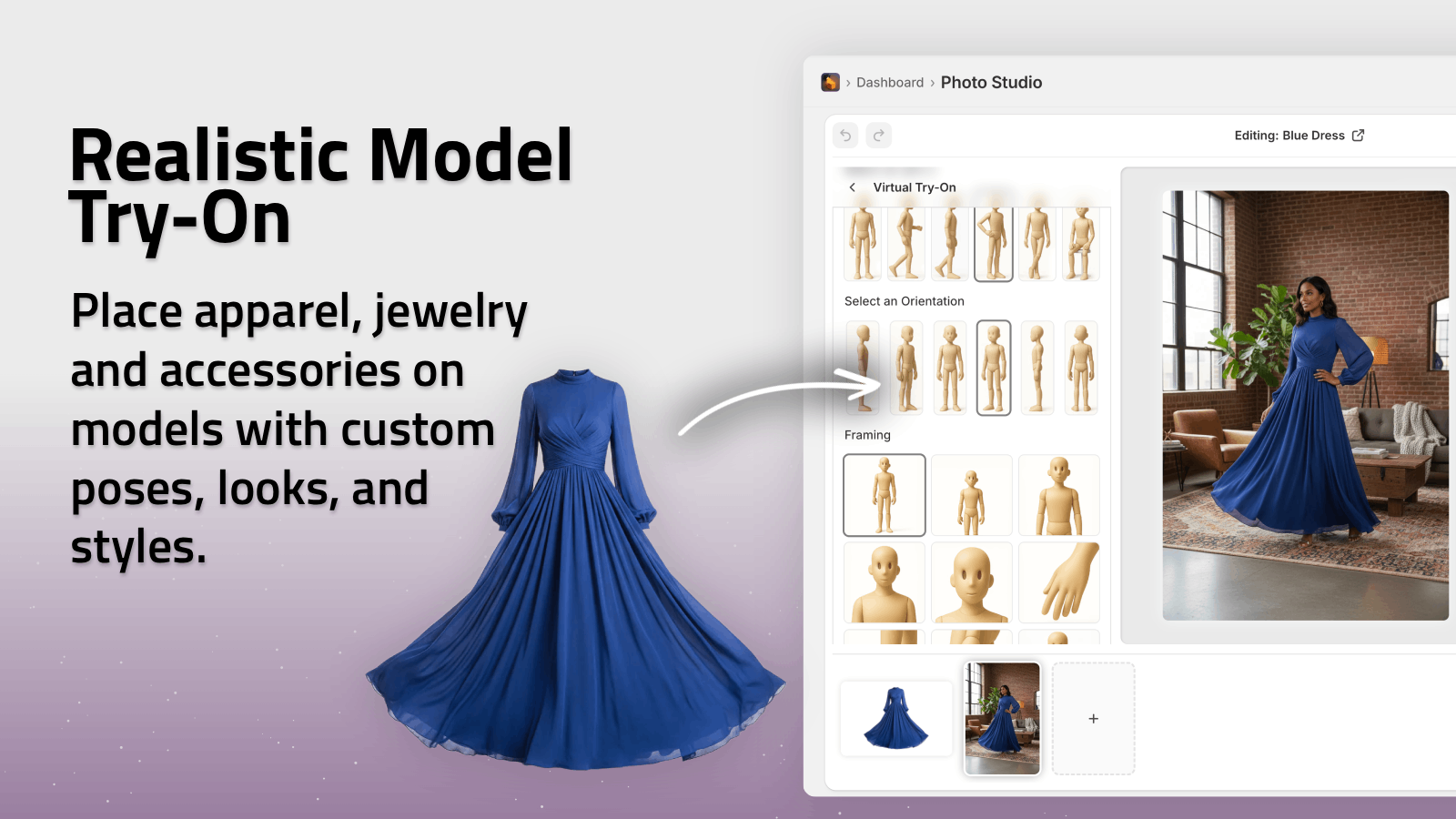
Using Supra AI Photo Studio:
- Upload your apparel, jewelry, or accessories.
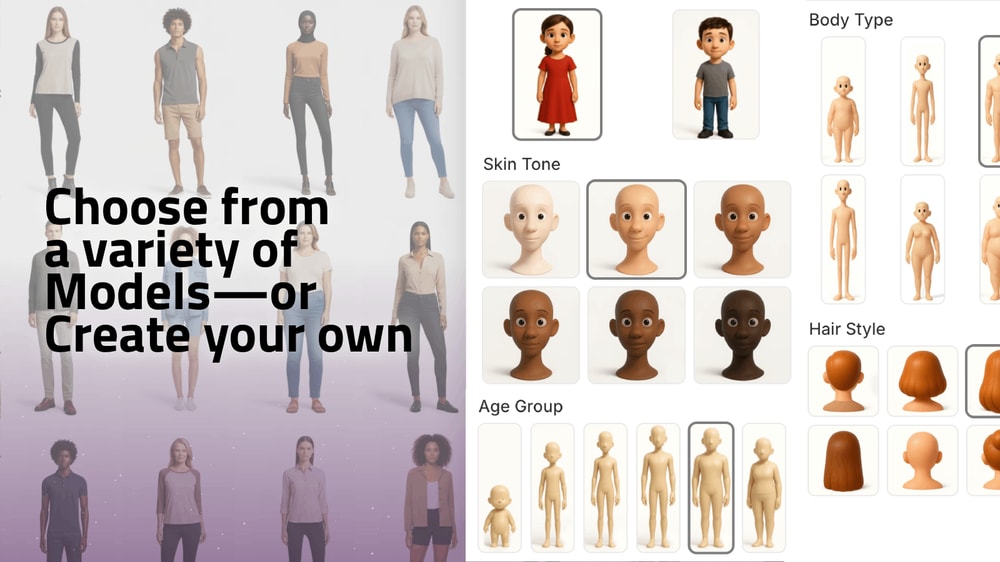
- Choose or create realistic AI models that match your audience (skin tone, body type, vibe).
- Apply AI Try‑On to put your product on the model in seconds.
Now you can:
- Show the same product on diverse body types
- Tailor looks to different markets (e.g., streetwear vs minimalist styling)
- A/B test which style stories convert better
Step 4: Build Consistent Visual Story Arcs Across Your Catalog
Brand loyalty grows when every touchpoint feels like part of the same world.
To do that with product photography:
-
Set a visual system
- One or two main color palettes
- Preferred lighting style (soft natural, moody, high‑key studio)
- Go‑to environments (kitchen counter, vanity table, gym locker room, outdoor cafe)
-
Define 2–3 recurring story themes
Examples: "Morning routine", "On the go", "Evening wind‑down". -
Assign each product to a theme
E.g. a face roller → "Evening wind‑down", travel bottle → "On the go". -
Generate scenes that match those themes
With Supra’s Object Placement and background replacement, you can rapidly create multiple lifestyle shots per product while keeping everything on‑brand.
Result: when a returning customer scrolls your store, the visuals feel like chapters from the same story rather than random, disconnected images.
Step 5: Don’t Forget Micro‑Stories on Detail Shots
Close‑ups and variant photos can also carry story weight.
Detail shots can show:
- Craftsmanship and materials (stitching, texture, finishes)
- Thoughtful design (hidden pockets, zippers, adjustability)
- Emotional cues (a ring next to a handwritten note, a planner with a half‑checked to‑do list)
Use background remover and mockup embedding in Supra AI Photo Studio to keep detail shots clean but still narrative-friendly:
- Remove distracting backgrounds to focus on craftsmanship.
- Embed your designs into packaging, apparel, posters, mugs and more to show how they live in the real world.
Step 6: Extend Your Story With Video (UGC & B‑Roll)
Static photos get attention. Video deepens emotional connection, especially on:
- TikTok
- Instagram Reels
- Paid social ads
Two powerful formats to support your product story:
1. UGC‑Style Videos
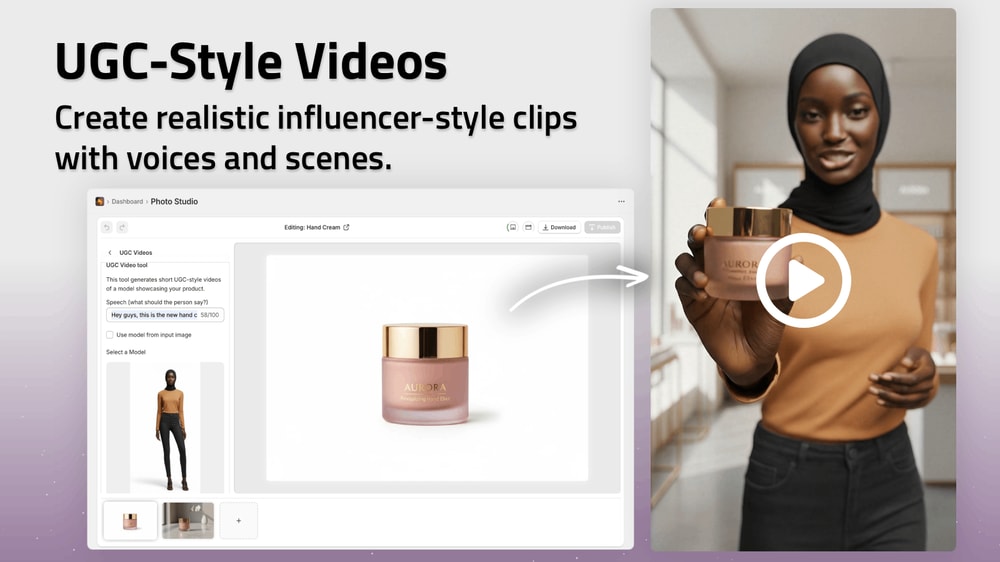
UGC (user‑generated content) feels like a friend recommending a product. With Supra’s UGC Video Generator you can:
- Start from a simple product photo
- Choose voice, vibe and setting
- Generate influencer‑style clips tailored for short‑form platforms
Use them to tell mini‑stories like:
- "Unboxing my new everyday tote"
- "What I actually use during my morning skincare routine"
- "Three ways I style this necklace for work and weekends"
2. Cinematic B‑Roll
B‑roll is your visual glue for ads and landing pages. With Supra AI Photo Studio you can:
- Generate cinematic product drops
- Add dust, liquid, or smoke splash effects
- Choose top‑down, slow motion, impact animations
These clips don’t just "look cool" — they dramatize your product’s presence and make your brand feel premium and intentional.
Check out the Supra AI Photo Studio demo trailer to see this in action.
Step 7: Speed & Consistency With AI Editing
Story‑driven visuals only boost loyalty if they stay consistent as your catalog grows.
This is where integrated AI tools matter:
- Background remover → Keep focus where the story is: on your product.
- Upscaling & de‑noise → Make older, low‑res photos match newer ones.
- Auto‑enhance (lighting & color) → Align mood, contrast, and warmth across collections.
Because Supra AI Photo Studio lives inside your Shopify admin, you can:
- Open a product
- See all its images in one place
- Edit, enhance, and publish updates directly to the product page

This keeps your visual storytelling tight, even as you add new products, variants, and campaigns.
A Practical Workflow: From Plain Shot to Story‑Rich Visuals
Here’s a simple, repeatable workflow you can use for any product:
-
Start with a clean shot
- Use Supra’s Isolate Product / background remover to remove distractions.
-
Generate 2–3 lifestyle scenes
- Use Object Placement to put the product in on‑brand environments.
- Match each scene to a story theme (e.g., "On the go", "Desk setup").
-
Add 1–2 on‑model visuals (if applicable)
- Use AI Try‑On to show real‑world fit and styling.
-
Create video assets
- One short UGC‑style video for social proof.
- One B‑roll clip for ads or landing pages.
-
Enhance & unify
- Run Auto Enhance for lighting and color.
- Use upscaling for crisp details everywhere.
-
Publish directly to Shopify
- From the Supra editor, push your new images and videos live to your product page.
This transforms your product page from a static catalog entry into a micro‑story that makes visitors think: "This feels like me."
Turn Visual Stories Into Lasting Brand Loyalty
Customers who see themselves reflected in your visuals are more likely to:
- Remember your brand
- Return to your store
- Recommend you to friends
- Choose you over cheaper, generic alternatives
Story‑driven product photography is no longer a "big‑brand luxury". With Supra AI Photo Studio for Shopify, you can:
- Turn plain shots into on‑brand lifestyle stories
- Create realistic model try‑ons without studios
- Generate UGC‑style and cinematic video content
- Keep your visuals consistent, sharp, and emotionally resonant
Install the app, start with a few key products, and watch how a stronger visual story translates into stronger brand loyalty — and better conversions.