
How to Create Lifestyle Shots From White Backgrounds (In Minutes, Not Weeks)
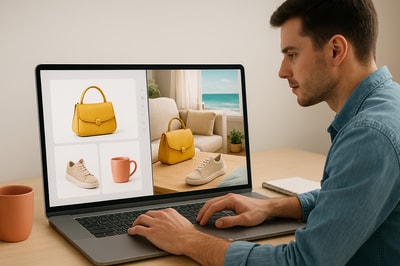
If your Shopify store is full of plain white background photos, you’re leaving money on the table.
Clean packshots are great for clarity—but they rarely sell the story of your product. Lifestyle photos do. They show your product in context, trigger emotion, and dramatically improve conversion rates.
In this guide, you’ll learn how to turn basic white background images into high-converting lifestyle shots in just a few minutes using AI.
Want to follow along? Install Supra AI Photo Studio on Shopify and try the free plan while you read.
Why Lifestyle Shots Beat Plain White Backgrounds
White background images are still essential for marketplaces and comparison—but they’re not enough to:
- Build desire: Customers need to picture themselves using your product.
- Convey value: A $60 candle looks like a $10 candle on a pure white background.
- Match modern ad platforms: Social ads (TikTok, Reels, Shorts) heavily favor lifestyle visuals.
Lifestyle photos:
- Put your product into realistic environments (home, office, outdoors, etc.).
- Create social-proof vibes (UGC-style scenes, on-model photos, everyday settings).
- Help customers imagine ownership, which directly impacts conversion rate and AOV.
The problem? Traditionally you needed:
- A photographer
- A studio/location
- Models, props, and post-production
Now you can do the same thing—starting from your existing white background photos—using AI-powered lifestyle generation inside your Shopify admin.
The Fastest Way: Turn White Backgrounds Into Lifestyle Shots With AI
Instead of reshooting everything, you can transform your current catalog using Supra AI Photo Studio.
Supra uses AI to:
- Isolate your product from its white background
- Place it into realistic lifestyle scenes (kitchens, offices, gyms, luxury boutiques, beaches, and more)
- Keep product details accurate so colors, textures, and logos remain true
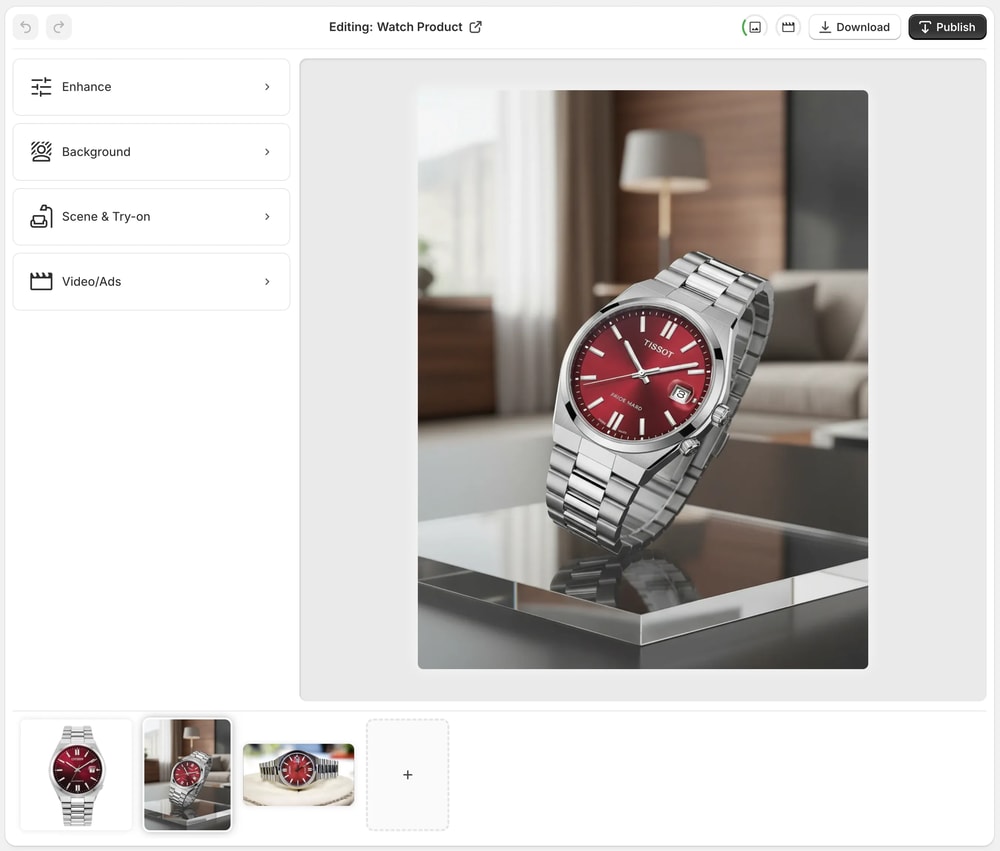
You stay in control of:
- Environment type (e.g. cozy living room at sunset)
- Surface (e.g. marble countertop, wooden table, glass shelf)
- Camera angle & framing
- Lighting mood (bright ecommerce vs cinematic vs moody)
Let’s walk step-by-step from a plain white image to scroll-stopping lifestyle content.
Step 1: Start With a Clean White Background Image
You actually have a huge advantage if your products are already on white: they’re easy for AI to understand and reuse.
Best practices for your starting image:
- Product centered and fully visible
- High resolution (at least 1000px on the smallest side)
- No heavy shadows or reflections
- Only one main product (or a very clear primary focus)
If your image isn’t perfectly isolated, that’s okay—you’ll fix it next.
Step 2: Isolate Your Product (Remove Background Cleanly)
Open Supra AI Photo Studio from your Shopify admin and either:
- Select a product from your catalog, or
- Upload a new product image into the editor
Use the “Isolate Product” / background remover tool to:
- Strip away any unwanted background
- Keep only the product with clean edges
This gives you a perfect, distraction-free base that the AI can then place into different environments.
Pro tip: Isolating the product first helps the AI understand shape, orientation, and boundaries—leading to much more realistic lifestyle scenes.
Step 3: Choose Your Lifestyle Context (Where Will It Live?)
Next, use Supra’s Object Placement tool to select where your product should appear.
Examples by niche:
- Home decor → On a wooden sideboard in a Scandinavian living room with soft daylight.
- Skincare → On a bathroom shelf with frosted glass, soft steam, and natural morning light.
- Coffee gear → On a marble countertop beside a warm cup, open book, and subtle coffee beans.
- Tech gadgets → On a minimalist workstation with a laptop, plant, and soft LED lighting.
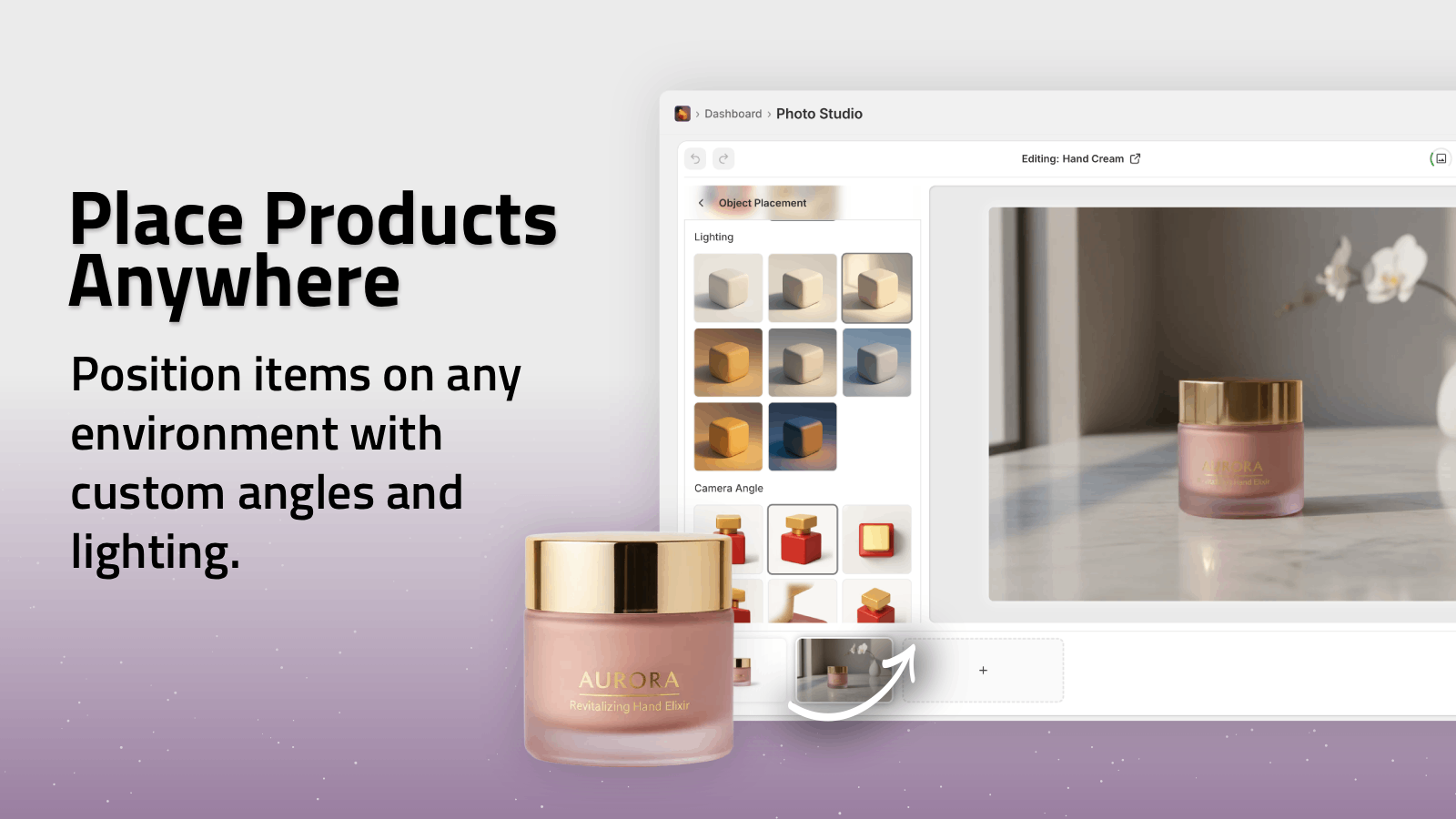
In Supra AI Photo Studio, you can control:
- Environment (kitchen, studio, boutique, outdoor patio, beach…)
- Surface (wood, stone, fabric, glass, metal)
- Angle (front, 45°, top-down, macro)
- Lighting (bright ecommerce, warm sunset, moody, cinematic)
Describe your desired scene clearly in the prompt area for best results.
Step 4: Craft a Strong Scene Prompt (Copy-Paste Templates)
Supra lets you guide the AI using natural language. Here are ready-to-use prompt templates you can adapt.
For Home Decor Products
"Place the product on a light oak wooden sideboard in a minimalist Scandinavian living room, with soft daylight coming from the left. Add a blurred sofa and framed artwork in the background, neutral color palette, shallow depth of field, natural cozy vibe."
For Beauty & Skincare
"Place the bottle on a white ceramic bathroom shelf with subtle water droplets. Add frosted glass in the background, soft natural morning light, a blurred plant and towel, fresh and clean spa-like atmosphere, soft shadows."
For Fashion Accessories
"Place the handbag on a marble cafe table next to a coffee cup and open notebook. Background is a blurred street-side cafe with warm golden hour sunlight, modern city atmosphere, candid lifestyle feel, shallow depth of field."
For Electronics & Gadgets
"Place the product on a clean modern desk with a laptop, wireless keyboard, and small plant. Neutral tones, soft side lighting, minimal and professional workspace environment, slightly blurred background, tech lifestyle vibe."
Use these as a base inside Supra AI Photo Studio and tweak words like location, time of day, and vibe.
Step 5: Match Lighting, Angles & Brand Aesthetic
To keep your catalog consistent, focus on three things across all lifestyle shots:
-
Lighting style
Decide if your brand feels:- Bright and airy
- Warm and cozy
- Bold and contrasty
-
Camera angle
Pick 1–2 primary angles and stick with them (e.g. 45° front and top-down). -
Color palette
Use environments that fit your brand colors (e.g. warm woods vs cool concrete).
Supra’s AI lets you generate multiple variations quickly, so you can choose the one that fits your brand best and reuse similar prompts across your catalog.
Step 6: Enhance, Upscale & Prepare for Publishing
Once you like the scene, polish it so it looks truly professional:
- Use Auto Enhance to fix exposure, contrast, and color.
- Use Upscale for crisp results on zoom and retina displays.
- Remove any minor distractions with the editor tools.
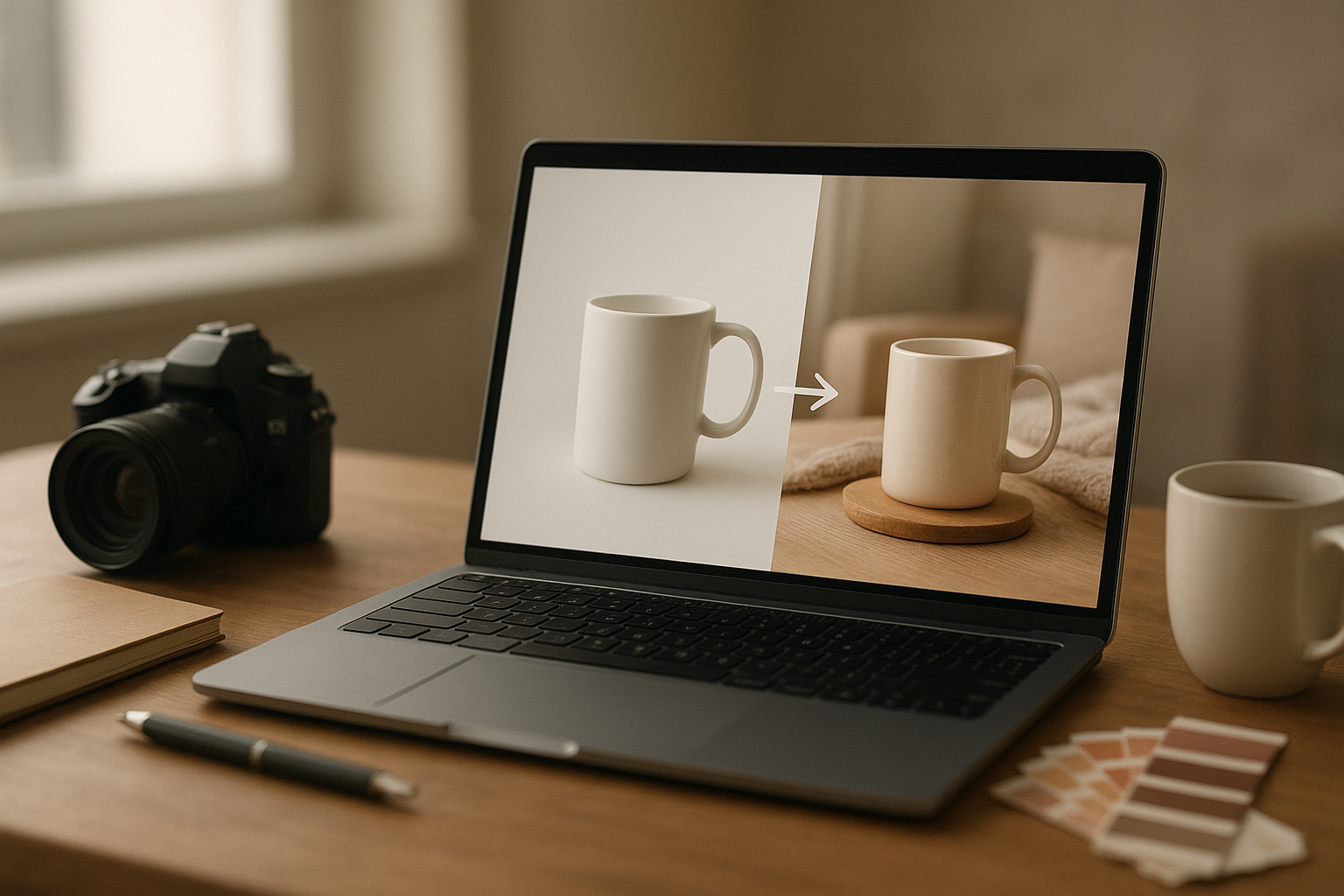
When you’re ready, you can publish directly to the Shopify product from within the app—no manual file juggling.
Bonus: Turn Lifestyle Shots Into UGC & Video Content
Once you’ve transformed your white background images into lifestyle photos, you can go further without extra shoots.
With Supra AI Photo Studio, you can also:
- Generate UGC-style videos from your product images for TikTok, Reels, and ads.
- Create b-roll product clips with cinematic motion, liquid splashes, or slow spins.
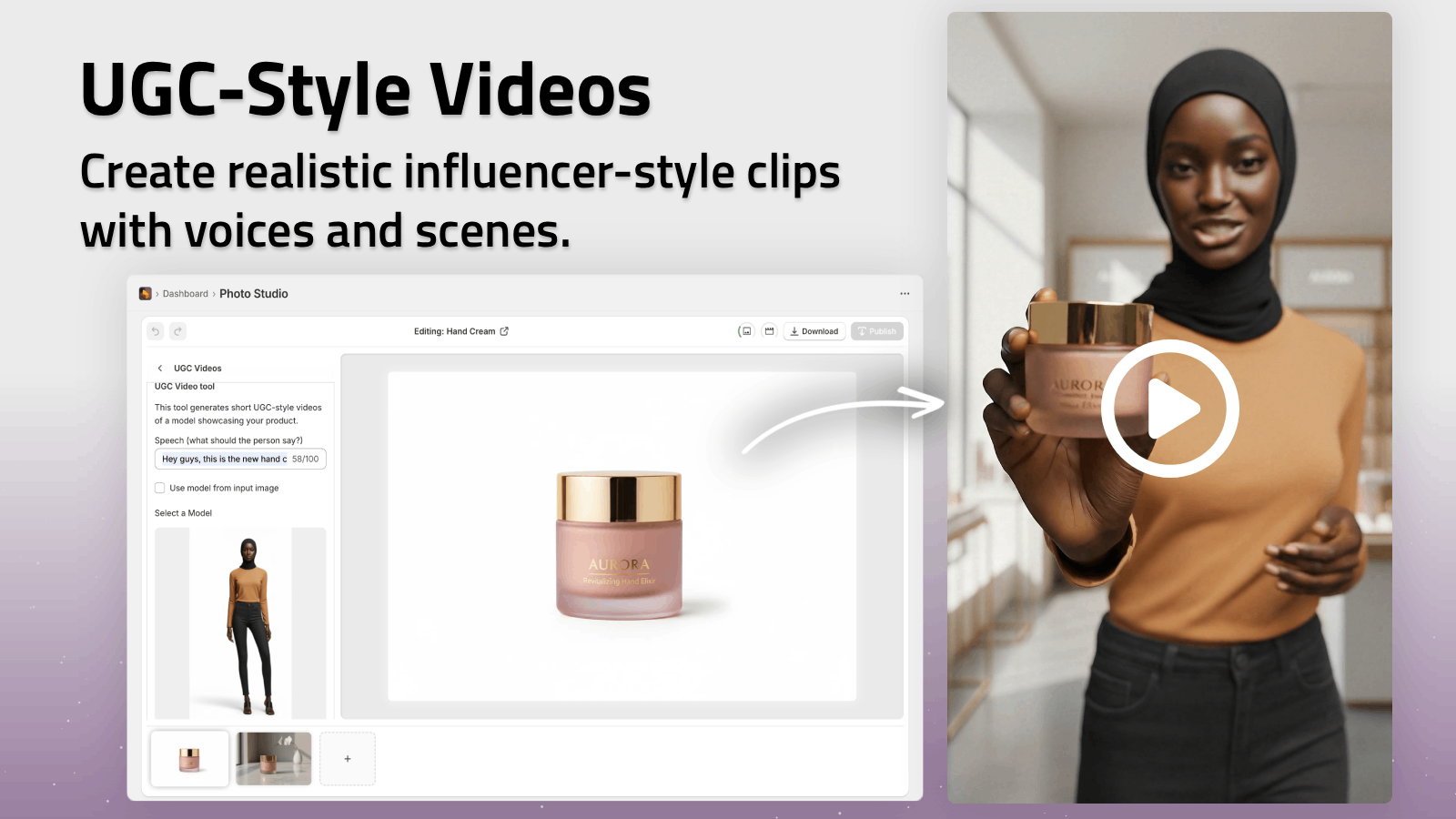
This means:
- Your product page hero image, lifestyle gallery, and social ads all stay visually consistent.
- You can test multiple creative angles fast—without new shoots.
Explore the UGC and b-roll tools directly here: Supra AI Photo Studio landing page.
Common Mistakes When Creating Lifestyle Shots (And How AI Fixes Them)
1. Distracting or unrealistic backgrounds
Busy or obviously fake backgrounds kill trust. Supra’s object placement generates contextual, realistic scenes while preserving product fidelity.
2. Inconsistent angles and lighting
Manually shot photos often vary widely. With AI, you can standardize prompts and keep everything consistent across hundreds of SKUs.
3. Incorrect product colors or shapes
Generic image generators can distort products. Supra is built specifically for Shopify product photos, focusing on preserving shape, color, and design details.
4. Spending too much time per image
Traditional editing = 30–60 minutes per photo. With Supra AI Photo Studio, it’s often under a minute once you’ve nailed your prompts.
From Plain White to High-Converting Lifestyle Catalog
You don’t have to choose between simple packshots and expensive, time-consuming lifestyle shoots.
With Supra AI Photo Studio you can:
- Take your existing white background photos
- Isolate the product in one click
- Drop it into on-brand lifestyle scenes in minutes
- Enhance, upscale, and publish straight to Shopify
- Repurpose those visuals into UGC-style and b-roll videos
If you’re serious about improving your product pages, ads, and social content—without hiring a full creative team—start by transforming your white background shots today.
👉 Install Supra AI Photo Studio on Shopify:
https://apps.shopify.com/supra-ai-photo-studio
Try the free plan, convert a few of your bestsellers into lifestyle scenes, and watch how it impacts engagement and conversion rates.