
Cinematic Product Drops For Short Social Ads: A Complete Guide (With AI Tools)
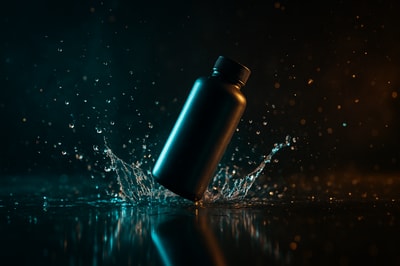
Short social ads live or die in the first 3 seconds.
A single cinematic product drop shot – your item dropping in slow motion with gorgeous lighting and splash effects – can hook attention instantly and lift conversion across TikTok, Reels, Shorts, and story ads.
In this guide, you’ll learn:
- Why cinematic product drops work so well in short-form ads
- The core elements of a high-converting drop shot
- How to create product drop videos with no studio and no camera using AI
- Practical ad ideas and scripts you can copy
Tip: You can generate studio-grade product drop videos directly from a product photo using Supra AI Photo Studio. It’s a Shopify app built specifically for merchants.
Why Cinematic Product Drops Work So Well In Short Ads
Short-form platforms reward instant visual impact. A cinematic drop shot delivers that in one move:
- Velocity = attention – The falling motion and sudden stop create visual tension that’s hard to scroll past.
- Crisp details – Slow motion and close-up framing highlight textures, colors, and design.
- Built-in storytelling – You can pair the moment of impact with your hook line, price reveal, or offer.
- Universal format – Works for skincare, jewelry, drinks, gadgets, apparel accessories, and more.
Instead of yet another talking-head video or static product photo, a product drop can instantly brand your ad as “premium”.
The 5 Key Ingredients of a Cinematic Product Drop
Whether you shoot it traditionally or generate it with AI, nearly every good product drop has these elements:
1. Clean, intentional background
You want the focus squarely on the product.
- Use dark or neutral gradients for a cinematic feel.
- Add subtle volumetric light or particles to give depth.
- Avoid busy textures that compete with the subject.
With Supra AI Photo Studio, you can start from a simple product image and let the B-Roll AI Videos tool build a stylized studio environment automatically.
2. Dramatic lighting
Cinematic means light that shapes the object, not just illuminates it.
- Use edge lighting to define the silhouette.
- Add specular highlights on glossy surfaces.
- Lean into teal–orange or monochrome color grading for a premium look.
Supra AI’s video generator lets you pick lighting mood and vibe, so you can keep your brand style consistent without learning cinematography.
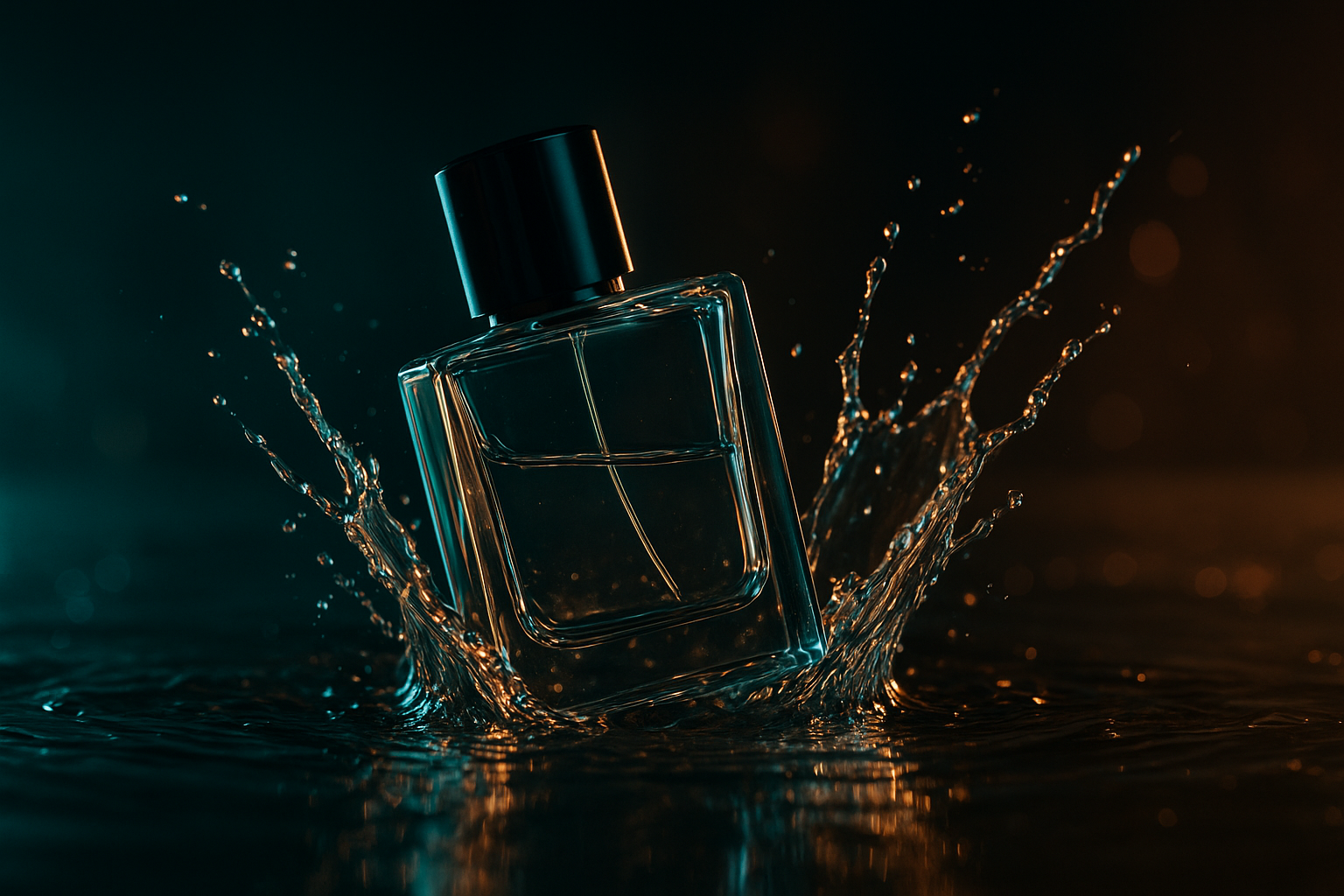
3. Slow motion & impact
The “wow” moment is the exact instant the product lands or collides with something:
- Liquids splashing around a cosmetics bottle
- Powder exploding behind a supplement jar
- Dust or smoke bursting as sneakers hit the ground
In Supra AI Photo Studio, choose B-Roll AI Videos and select an impact animation like dust, liquid, or smoke splash to get this effect without any physical rigging.
4. Tight, conversion-focused framing
Your shot should make the viewer feel like they can almost touch the product.
- Use close or medium-close framing
- Keep space for text overlays (USP, discount, CTA)
- Maintain clear separation between product and background
Because Supra AI starts from your actual product photo, the generated video keeps accurate shape, color, and branding, which is critical when viewers tap through to your product page.
5. Seamless loop or clean in/out
Short social ads benefit from looping:
- Make the drop start and end on visually similar frames, or
- End crisply on a hero shot with logo, price, and CTA
AI-generated clips from Supra AI Photo Studio are short, punchy, and easy to loop inside your editor or directly inside your ad platform.
Creating Cinematic Product Drops Without a Studio (Using AI)
Traditionally, you’d need:
- A camera that shoots 120–240fps
- Light stands, backdrops, diffusion
- A rig to hold and drop your product safely
- Time and editing skills
Now you can replace all of that with an AI workflow directly inside Shopify using Supra AI Photo Studio.
Step 1: Start from a clean product photo
Upload or select your existing product photo from your Shopify admin. For best results:
- Use a single product on a neutral background
- Make sure it’s sharp and well-exposed
If your source images are messy or low quality, run them through:
- Background remover / Isolate Product to clean the subject
- Upscaling & Auto Enhance to boost resolution, deblur, and correct colors
These tools are built into Supra AI Photo Studio so you don’t have to juggle separate editors.
Step 2: Open B-Roll AI Videos in Supra AI Photo Studio
From the app editor:
- Select your product image
- Choose B-Roll AI Videos
- Pick your style: top-down drop, front-facing impact, rotating hero shot, etc.
The app offers ready-made cinematic motions like:
- Product drop with liquid splash
- Dust/smoke impact (great for sneakers and streetwear)
- Soft impact with particles for delicate or luxury items
Step 3: Customize the scene (no video skills required)
You can shape the look of the clip around your brand:
- Background type – dark studio, marble, color gradient, glass, etc.
- Lighting mood – dramatic, soft beauty, high-contrast, neon, etc.
- Camera angle – top-down, low angle, 45°, macro close-up.
Because Supra AI keeps your product geometry and logo intact, you get realistic, ad-ready clips without 3D modeling.
Step 4: Export and plug into your social ads
Download your generated clip and:
- Add text overlays like “New drop”, “-20% today only”, or “Vegan & cruelty-free”
- Trim to 6–15 seconds for Reels, TikTok, and Shorts
- Use it as a hook shot at the start of a longer UGC ad
You can create multiple variants (different backgrounds, effects, and aspect ratios) from the same original photo.
Want to try it? Install Supra AI Photo Studio on Shopify — there’s a free plan with AI video generations so you can test B-Roll drops on your own products.
Product Drop Ad Concepts You Can Copy
Here are plug-and-play ideas you can build entirely from AI-generated product drops.
1. “The Satisfying Drop” (6–8 seconds)
Structure:
- Product floating in frame
- Slow motion fall into liquid/powder
- Impact + splash
- Freeze on hero frame with text
On-screen text ideas:
- Frame 1–2s: “Watch this.”
- Frame 3–5s: “Your new daily essential.”
- Final frame: Brand + CTA (“Shop now”).
Great for: skincare, fragrances, supplements, drinks.
2. “Feature Reveal on Impact” (10–12 seconds)
Structure:
- Close-up of product falling
- On impact, 1st benefit pops on screen
- Quick zoom or cut to same product angle, 2nd benefit
- Final hero shot with price + discount
Example for a serum:
- Impact 1: “Hydrates 24h”
- Impact 2: “Clinically tested”
- Final: “Launch offer: 20% off – Today only”
Use Supra AI to generate 2–3 different product drop angles and stitch them together.
3. “Before/After in One Shot” (8–10 seconds)
Structure:
- Start with a flat, lifeless packshot on one side of the frame
- Screen splits or wipes to a cinematic product drop on the other side
- Tagline: “Stop scrolling past boring photos.” or “This is how premium looks.”
This works brilliantly if you’re also selling design, branding, or if you’re an agency promoting your store builds. You can showcase how Supra AI Photo Studio transformed your visuals.
Combining Product Drops With UGC & Try-On Content
A powerful approach on TikTok, Reels, and Shorts is to mix cinematic b-roll with human content.
With Supra AI Photo Studio, you can:
- Generate UGC-style videos where AI models talk about or show your product
- Use AI Try-On for apparel, jewelry, and accessories to create on-body shots
- Stitch these with cinematic B-Roll drops for a complete ad
Example 15s Ad Structure
- 0–3s – Cinematic product drop (instant hook)
- 3–10s – UGC-style testimonial: “I’ve been using this for 30 days…”
- 10–15s – Second product drop angle + text: “Get 15% off today – Link in bio”
All assets can be created directly from your Shopify product photos, keeping your workflow simple and centralized.
Best Practices To Maximize Performance
Follow these tips to get more from your product drop creatives:
-
Always test multiple backgrounds
Try dark, light, and colored variants. Sometimes a bold color dramatically improves thumb-stop rate. -
Optimize for mobile-first
Export in 9:16 vertical, keep key elements in the center-safe zone, and ensure text is large enough. -
Use drops as modular assets
Your cinematic clip can be reused in:- TikTok/Reels/Shorts ads
- Story ads and highlight covers
- PDP videos and homepage hero sections
-
Align visual style with your product photos
Use Supra AI Photo Studio to also handle your catalog images (background removal, lifestyle placements) so your ads and product pages feel cohesive. -
Iterate quickly
With AI you don’t have to commit to a massive shoot. Generate 5–10 variations, test them, double down on winners.
Turn Plain Product Photos Into Cinematic Drops Today
You don’t need a studio, a camera, or a production team to create scroll-stopping cinematic product drops.
Using Supra AI Photo Studio, you can:
- Start from the product images already in your Shopify store
- Clean, enhance, and upscale them automatically
- Generate cinematic B-Roll product drop videos and UGC-style clips in minutes
Install Supra AI Photo Studio from the Shopify App Store:
➡️ Supra AI Photo Studio — AI Photos & B-Roll for Shopify
Test it on your best-selling product, create 2–3 product drop variations, and use them as hooks in your next short social ad campaign. The difference in thumb-stopping power and perceived brand quality is immediate.