
Top AI Enhancements To Boost Ecommerce Sales
AI isn’t just a buzzword in ecommerce anymore — it’s quietly becoming the biggest sales multiplier for online stores.
From sharper product photos to TikTok-ready UGC videos, AI enhancements can directly improve click-through rates, time on page, and conversions.
In this guide, you’ll discover the top AI enhancements that actually move the needle for ecommerce sales, plus how to implement them in minutes using Supra AI Photo Studio.
1. AI-Enhanced Product Photos (Your Highest-ROI Upgrade)
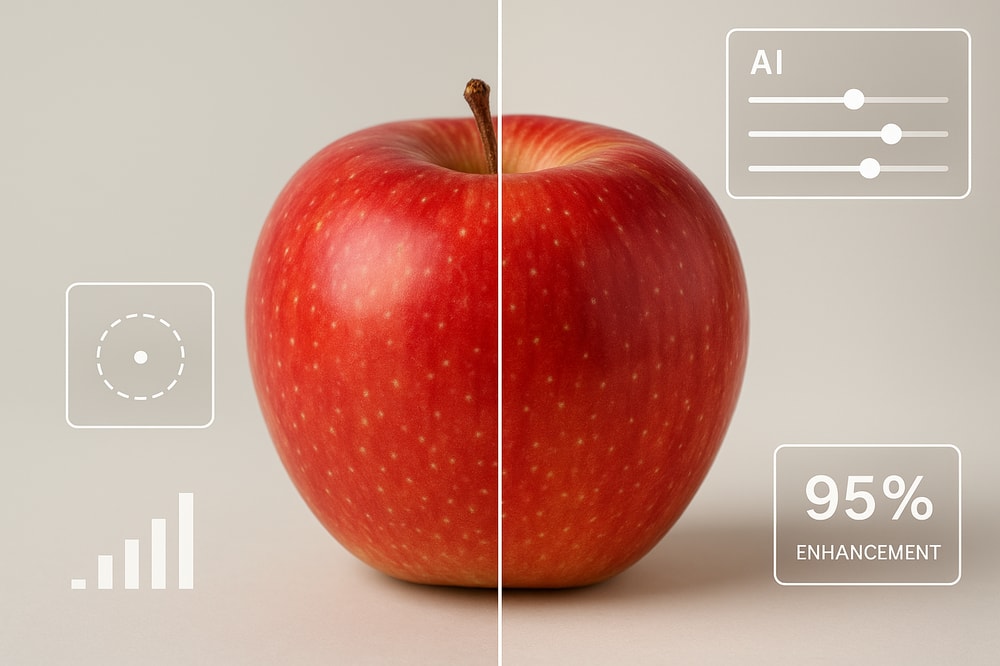
Your product image is usually the first thing a shopper sees. If that image is dark, blurry, or inconsistent with the rest of your catalog, you’re losing sales before customers even read the title.
AI photo enhancement fixes that automatically:
- Sharpens details and edges
- Corrects lighting and colors
- Removes noise and blur
- Increases resolution for zoomable images
This matters because:
- Clearer product photos increase trust and perceived quality
- Better lighting and color accuracy reduce returns and complaints
- High-resolution zoom views improve engagement and conversion
With Supra AI Photo Studio, you can bulk-enhance images inside your Shopify admin:
- Use Auto Enhance to fix lighting and colors in one click
- Run Upscaling to make small or old photos look crisp
- Apply Denoise / Deblur to rescue slightly blurry shots
Pro tip: Start by enhancing your top 20% best-selling products first — this is where you’ll see the fastest revenue lift.
2. Background Removal & Replacement For Clean, High-Intent Pages
Messy or inconsistent backgrounds are a silent conversion killer. They distract from the product and make your brand look less professional.
AI-powered background removal and replacement let you:
- Standardize your catalog on pure white or brand-colored backgrounds
- Remove distracting elements (props, people, shadows)
- Keep focus exactly where it belongs: on the product
In Supra AI Photo Studio, use Background Remover / Isolate Product to cut out the product perfectly, then:
- Export as PNG with transparent background, or
- Drop it onto branded or simple backgrounds for a consistent catalog look
This is especially powerful for:
- Marketplaces that require white backgrounds
- Retargeting ads where clean visuals convert better
- Split testing different background styles without reshooting
3. AI Lifestyle Scenes & Object Placement (Sell The Experience)
Shoppers don’t just buy a product — they buy the lifestyle around it.
That’s why lifestyle product photography consistently outperforms plain, sterile shots. But real photoshoots are expensive and slow.
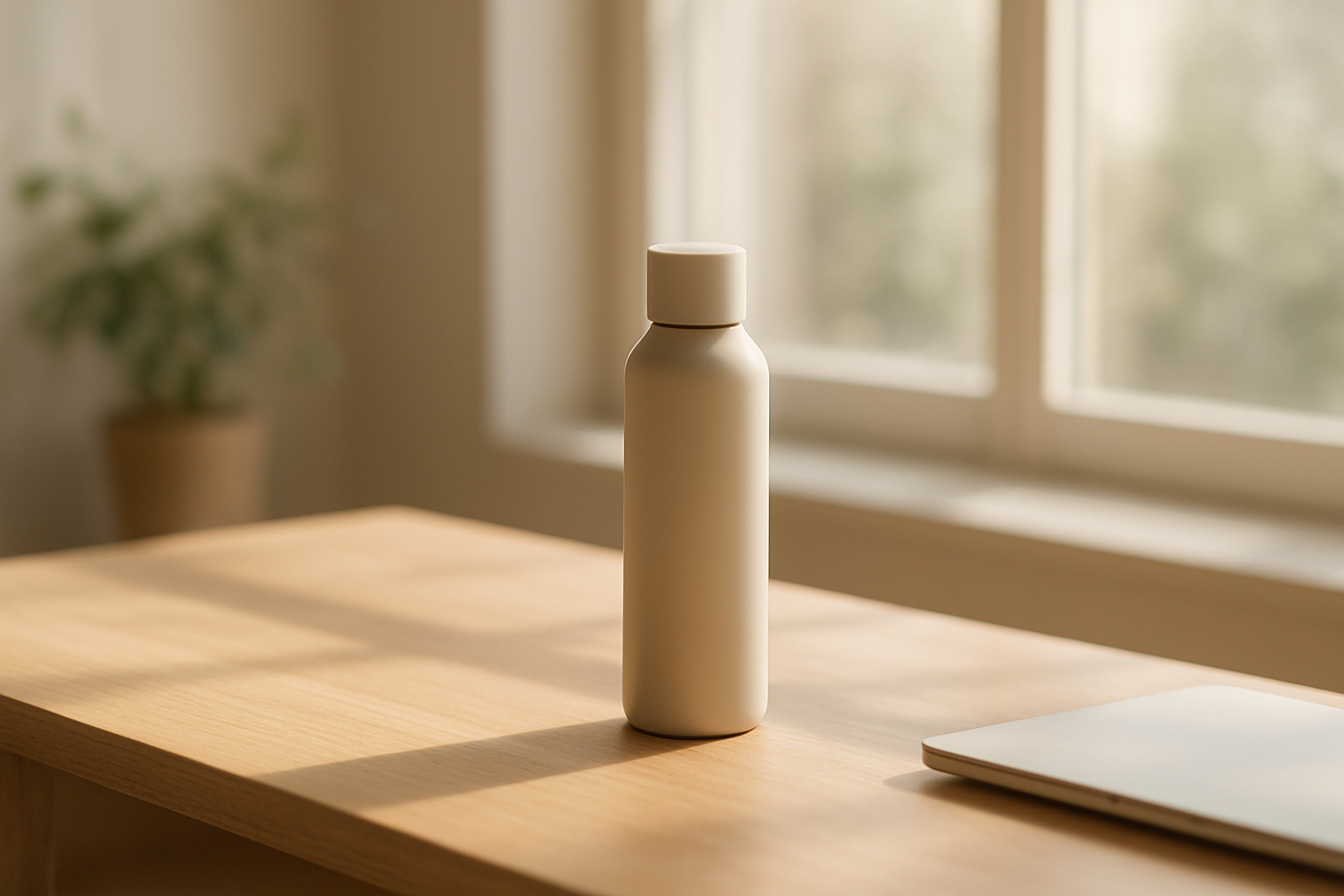
AI object placement solves this by letting you place your product into any environment:
- A coffee mug on a cozy wooden table near a window
- A cosmetic bottle on a marble vanity with soft daylight
- A gadget in a modern office setup with a laptop and notebook
With Supra AI Photo Studio, you can:
- Isolate your product from its original background
- Choose scenes like studio, luxury boutique, nature, kitchen, or workspace
- Control surface type, camera angle, and lighting style
Why it boosts sales:
- Helps customers imagine how and where they’ll use the product
- Increases add-to-cart rates for lifestyle-driven categories (home, decor, beauty, gadgets)
- Provides endless creative variations for ads, social, and landing pages without new photoshoots
4. AI Try-On Models For Fashion & Accessories
If you sell apparel, jewelry, or accessories, the biggest customer question is always:
“How does this look on a real person like me?”
AI virtual try-on lets you showcase your products on realistic models without hiring photographers, models, or renting studios.
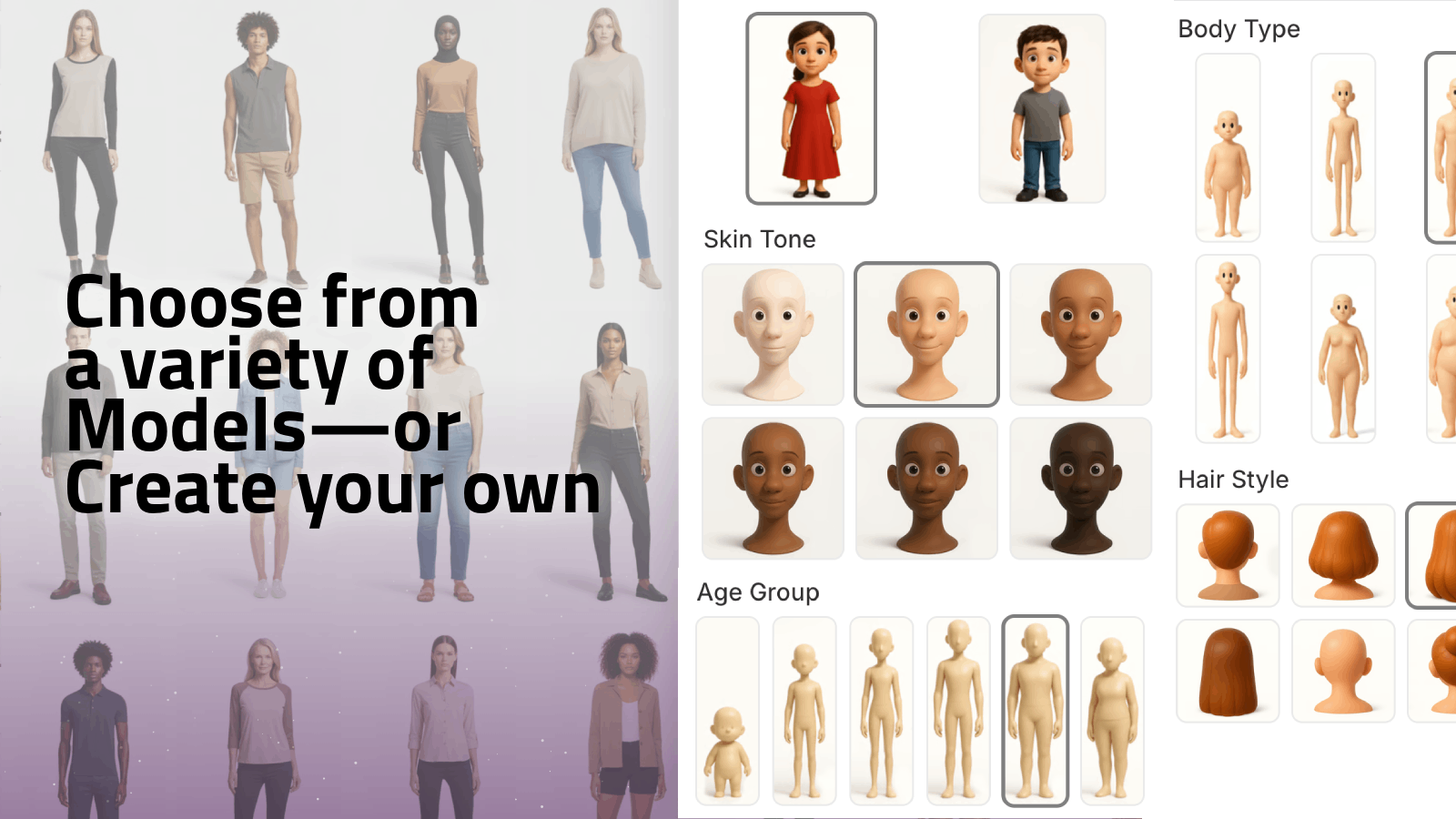
Inside Supra AI Photo Studio, you can:
- Put clothing, jewelry, and accessories onto AI-generated models
- Change poses, skin tone, body type, and look
- Create diverse model sets to represent more of your audience
This helps you:
- Increase conversion by giving shoppers visual confidence
- Reduce returns caused by "didn’t look like I expected"
- Build a more inclusive brand presence across your catalog
Implementation tip: For each key product, aim for:
- 1–2 clean product-only shots
- 2–4 on-model AI try-on images (different looks / body types)
- 1 lifestyle scene (urban, indoor, etc.)
5. AI UGC & B-Roll Videos For Ads And Social
Short video is now the most powerful sales tool across TikTok, Reels, and YouTube Shorts. But producing videos at scale is a massive time sink.
AI-generated UGC-style videos and cinematic b-roll bridge that gap.
With Supra AI Photo Studio you can:
- Turn a single product photo into influencer-style UGC videos
- Choose the voice, tone, and setting (fun, educational, luxury, etc.)
- Auto-generate short clips optimized for ads and social
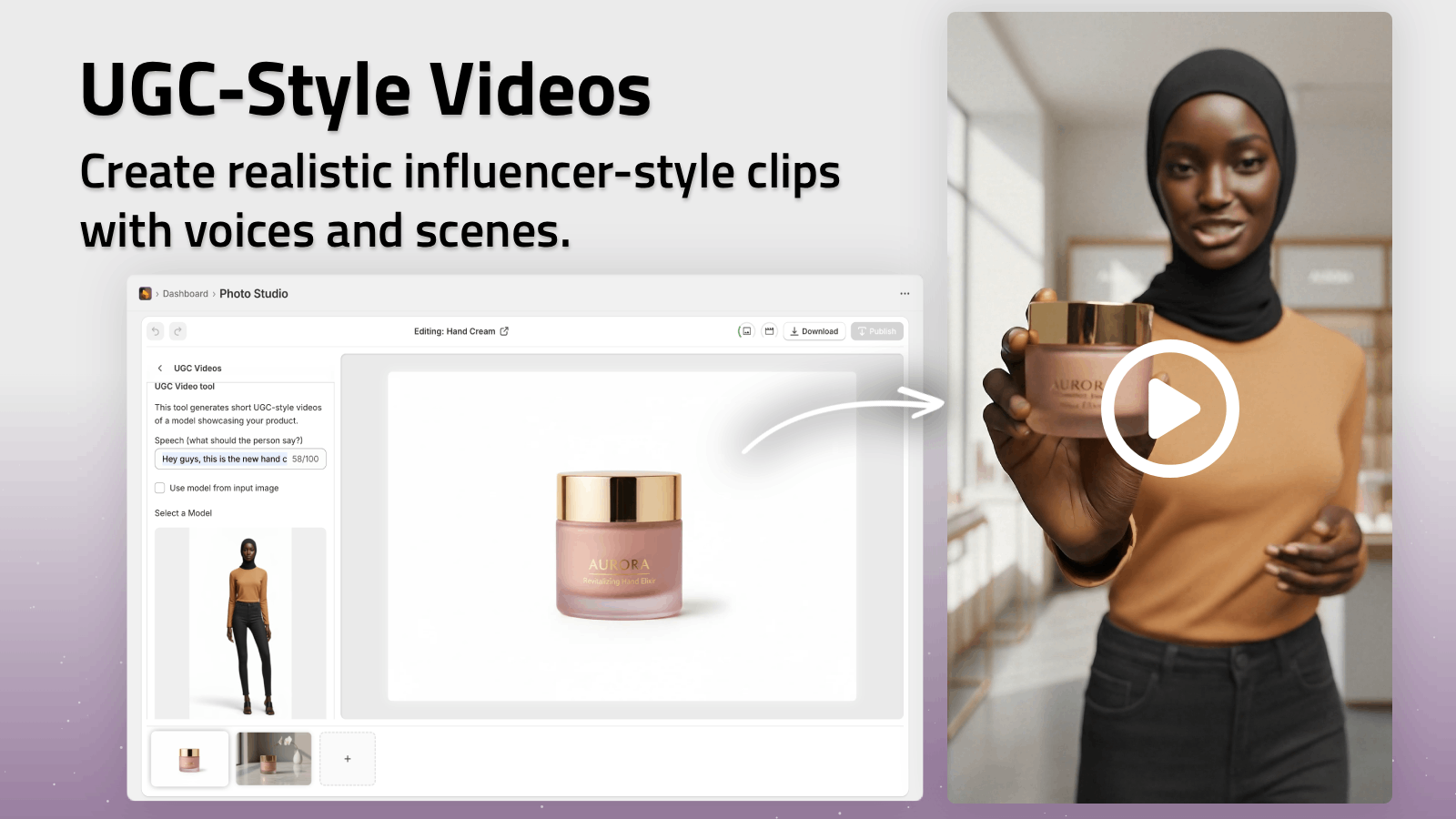
You can also create b-roll videos like:
- Slow-motion product drops
- Liquid or dust splashes around the product
- Top-down hero shots and impact animations
These videos:
- Dramatically increase ad thumb-stop rate
- Make your brand look premium without a video crew
- Give you endless creative variations for A/B testing
See a quick demo of what’s possible here: Supra AI Photo Studio Demo
6. Mockups & Design Embedding For POD And Branding
If you run a print-on-demand or merch store, or you sell branded products (mugs, packaging, notebooks), you know the pain of creating mockups manually.
AI mockup embedding lets you:
- Drop your design onto apparel, mugs, posters, packaging, and more
- Generate realistic shadows, folds, and lighting instantly
- Keep your catalog consistent even as you test new designs weekly
Using Supra AI Photo Studio, you can:
- Upload your design
- Select a mockup object (t-shirt, hoodie, box, cup… or your own)
- Let AI blend them seamlessly into a professional product shot
This is especially valuable for:
- Validating new designs before ordering inventory
- Running pre-sales with polished visuals
- Creating on-brand marketing images fast
7. Consistency Across Your Catalog = Higher Trust
One often-overlooked AI benefit isn’t a single feature — it’s visual consistency.
When every product page on your store looks like it comes from the same brand and the same studio:
- Shoppers trust your brand more
- Your store feels more premium
- Browsing becomes more enjoyable, increasing time on site
With Supra AI Photo Studio:
- Use the same background style and lighting across your catalog
- Apply Auto Enhance and Upscaling to older photos to match new ones
- Standardize image ratios and angles for a clean grid and collection pages
8. How To Start Using AI Enhancements In Under 30 Minutes
You don’t need a designer or agency to get started.
Here’s a quick implementation plan using Supra AI Photo Studio:
-
Install the app on your Shopify store
→ Go to the Supra AI Photo Studio listing and add it to your store. -
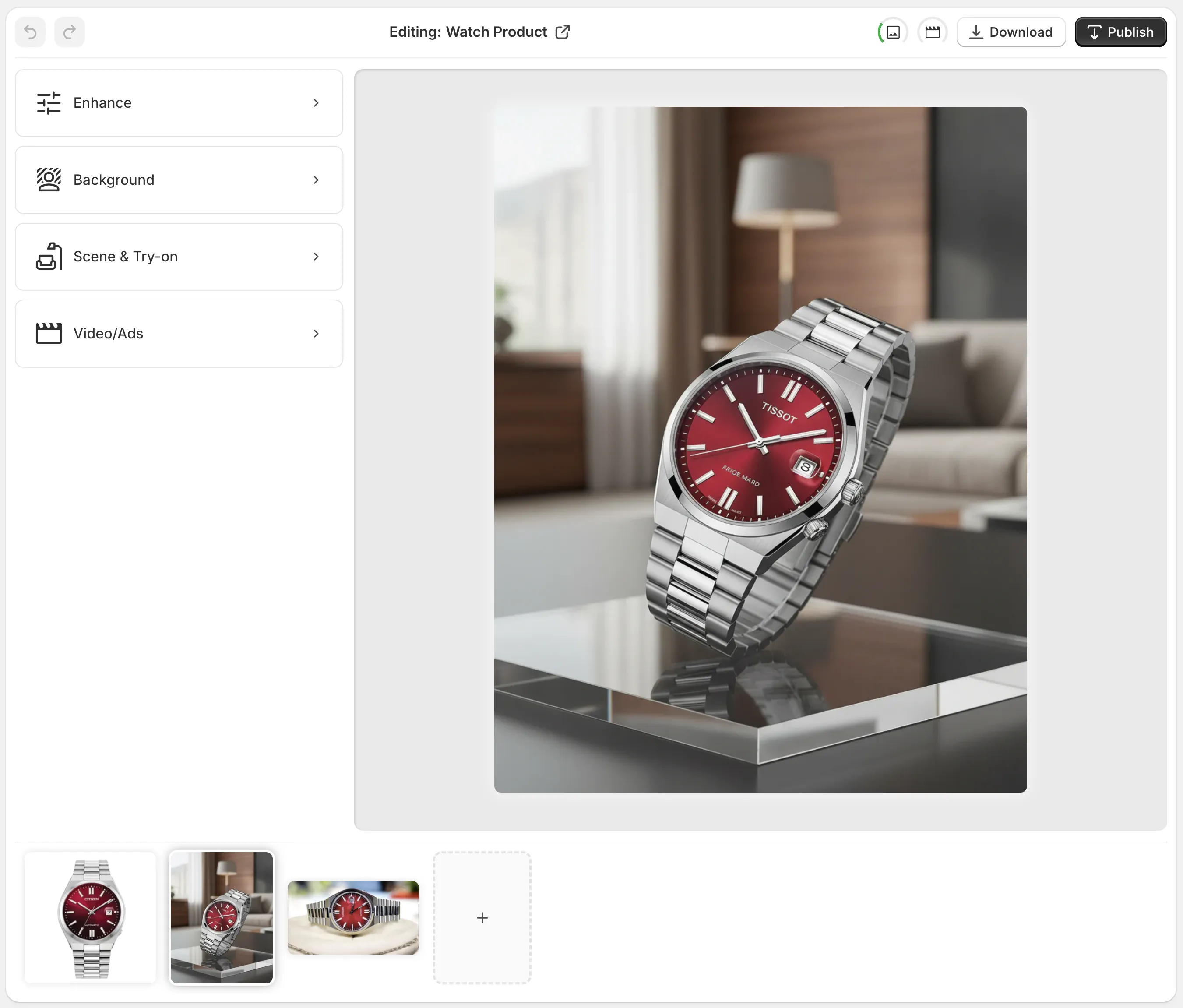
Open the editor from your Shopify admin
Pick a product or upload a new image. You’ll see:- Tools panel (background remover, try-on, object placement…)
- Canvas for real-time previews
- Image gallery for that product
-
Fix the basics first
- Run Auto Enhance and Upscaling on key products
- Use Isolate Product to clean up messy backgrounds
-
Add lifestyle & try-on images
- Use Object Placement to create a few lifestyle scenes
- For fashion/accessories, generate AI try-on model photos
-
Create a few test videos
- Turn your best products into UGC and b-roll clips for ads and social
You can start on the Free plan to test the core features, then upgrade as you scale your content:
- Free: 4 AI image generations / month
- Standard: 60 images / month
- Professional: 300 images + 5 videos / month
- Agency: 1000 images + 20 videos / month
Full pricing details: Supra AI Photo Studio on Shopify
Final Thoughts: Turn Browsers Into Buyers With AI
AI enhancements aren’t just “nice to have” visuals — they are direct levers for higher conversions, more clicks, and stronger brand perception.
The most impactful upgrades you can implement today are:
- AI-enhanced, high-resolution product photos
- Clean backgrounds and consistent visuals
- Lifestyle scenes and on-model try-ons
- UGC-style videos and cinematic product b-roll
- Fast mockups and design embedding
If you want to implement all of these without leaving Shopify, try Supra AI Photo Studio. In a single app, you can transform plain product photos into studio-grade images and videos that actually boost ecommerce sales.