
How To Optimize Product Photos For Social Ads
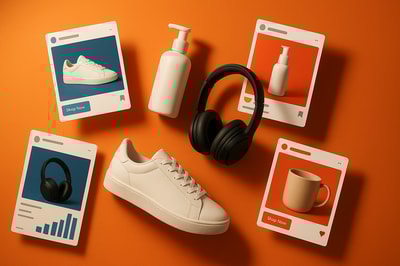
Why Product Photos Can Make Or Break Your Social Ads
When social ads underperform, the problem is often not your targeting or copy. It’s the product photos.
On Facebook, Instagram, TikTok, and Pinterest, people scroll fast and decide in milliseconds if something is worth a tap. Your product image has to:
- Stop the scroll
- Clearly show what you sell
- Communicate benefits and quality
- Match the style of the platform
In this guide you’ll learn how to optimize product photos for social ads step by step, plus how to do it faster using AI tools like Supra AI Photo Studio.
1. Start With The Right Foundations
Before you think about filters or ad copy, make sure your base product image is strong.
Use a high-resolution source
- Aim for at least 1200×1200 px for square images.
- Avoid compressed screenshots or images saved multiple times.
- Blurry or pixelated photos destroy perceived value instantly.
If your originals are not ideal, use an AI upscaler like Supra AI Photo Studio to boost resolution and sharpness directly from your Shopify admin:
- Improve resolution & clarity
- Reduce noise and blur
- Fix lighting issues in one click
👉 Try it on your own products: Supra AI Photo Studio on the Shopify App Store
2. Match Photo Format To Each Social Platform
Different platforms favor different layouts. Reusing the same image everywhere is a wasted opportunity.
Recommended aspect ratios:
- Facebook & Instagram Feed: 1:1 (1080×1080) or 4:5 (1080×1350)
- Instagram Stories & Reels / TikTok: 9:16 (1080×1920)
- Pinterest: 2:3 or long vertical pins
How to adapt quickly
- Shoot or edit with extra margin around the product so you can crop vertically or horizontally.
- Use background replacement tools (like in Supra AI Photo Studio) to reframe your product:
- Center for feed
- Lower-third for Stories/Reels to leave room for text overlays
This way, your product always looks made for the platform instead of awkwardly cropped.
3. Use Clean, Conversion-Focused Backgrounds
Your background should support your offer, not compete with it.
When to use plain backgrounds
Best for:
- Retargeting ads
- Catalog / dynamic product ads
- Price or discount-focused creatives
Plain or gradient backgrounds:
- Make the product stand out
- Look clean and professional
- Are easy to A/B test with different colors
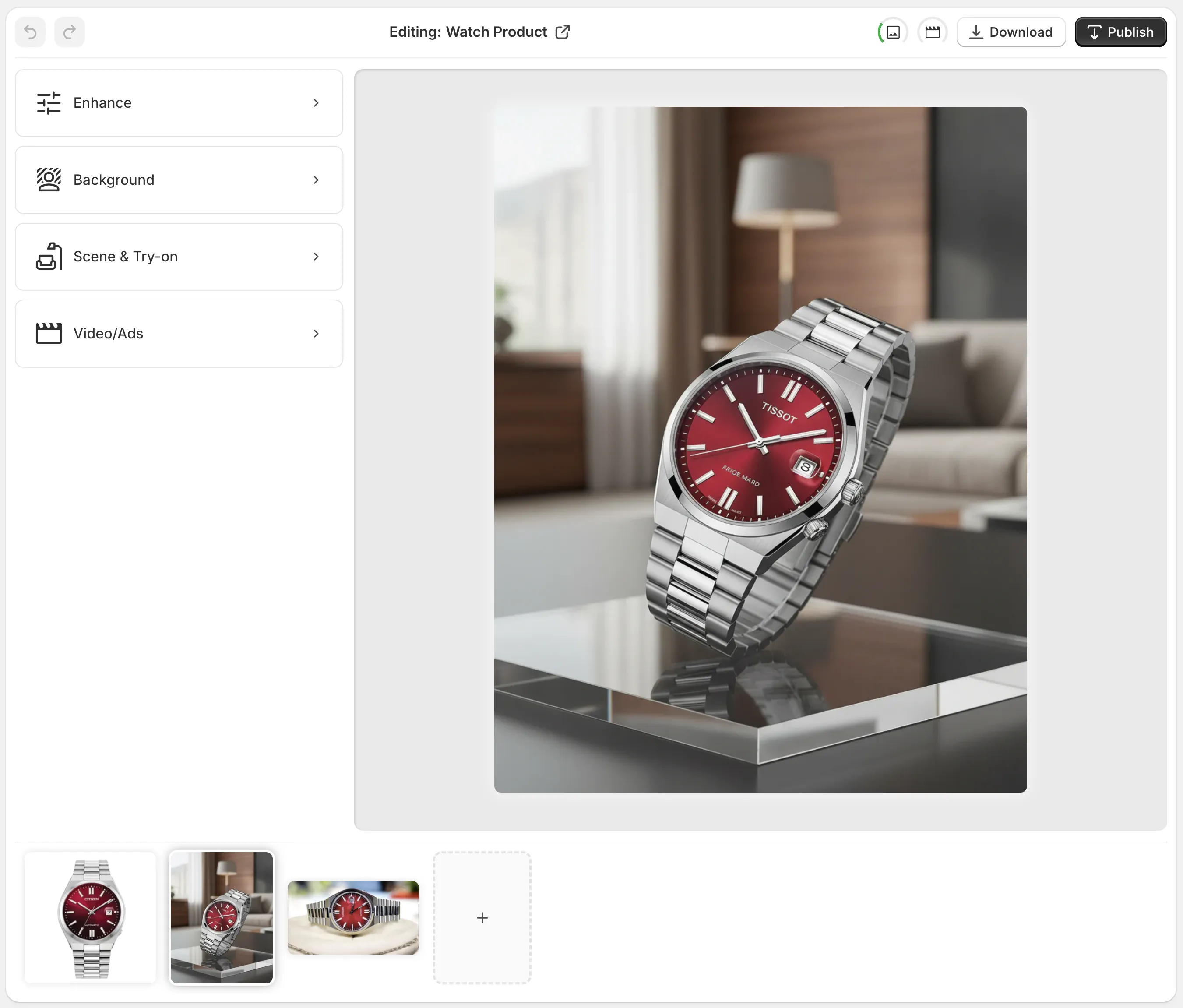
With Supra AI Photo Studio, you can:
- Remove busy backgrounds in one click
- Swap to solid colors or subtle gradients
- Keep natural shadows so images still look realistic
When to use lifestyle backgrounds
Best for:
- Prospecting ads
- Social-first creatives (Reels, TikTok)
- Storytelling about how/where the product is used
Lifestyle backgrounds should:
- Reflect your ideal customer’s reality or aspiration
- Make sense with the product (no winter coat on a tropical beach)
- Be bright and legible on small screens
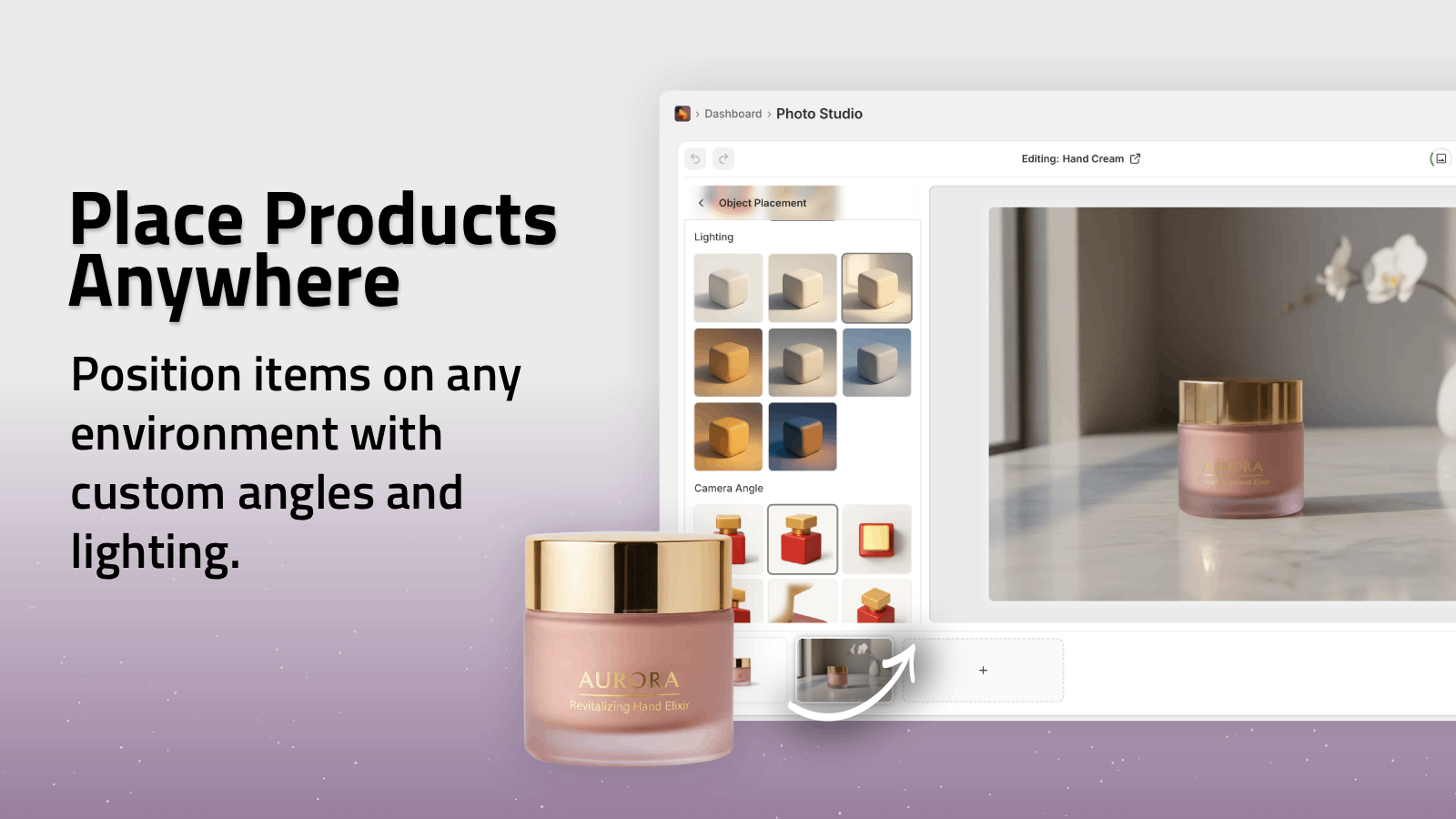
Supra AI Photo Studio’s Object Placement tool lets you drop your product into studios, kitchens, offices, outdoors and more—without reshoots.
4. Showcase Benefits, Not Just The Object
People don’t buy a bottle; they buy glowing skin. They don’t buy shoes; they buy comfort, style, or confidence.
Visual ways to express benefits
- Before/after frames (e.g., skin, cleaning products, organization)
- Side-by-side comparisons (your product vs. generic alternative)
- Context shots (e.g., backpack on someone’s shoulders, mug on a cozy desk)
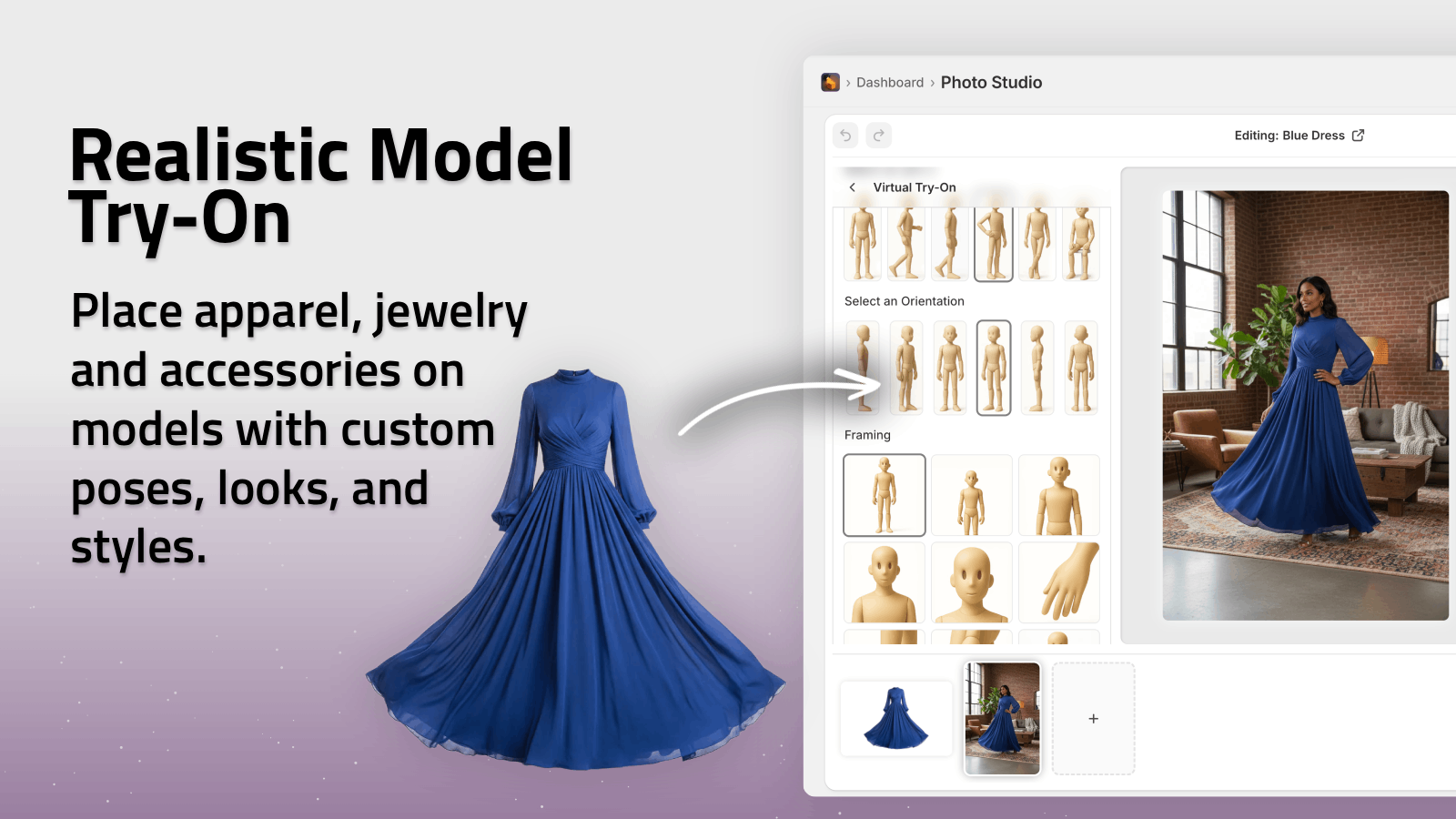
If you sell fashion, AI try-on is a powerful shortcut. With Supra AI Photo Studio, you can:
- Put your apparel on realistic AI models in one click
- Change pose, skin tone, body type, and setting
- Maintain true-to-life fabric and colors
This gives you a huge library of on-model photos for social ads—without booking a photoshoot.
5. Compose Images For Small Screens
Most social ad impressions happen on mobile. Your product photos need to read at thumbnail size.
Keep your composition simple
- One main subject, clearly visible
- No clutter around the edges
- Strong contrast between product and background
Leave space for overlays
For Story/Reel formats, plan space for:
- Headline at the top
- CTA or pricing at the bottom
With Supra AI Photo Studio, you can reposition products inside the frame so there’s consistent “safe space” for your text and buttons.
6. Nail Lighting, Color, And Consistency
Your ad images should look like they belong together, even across different campaigns.
Lighting
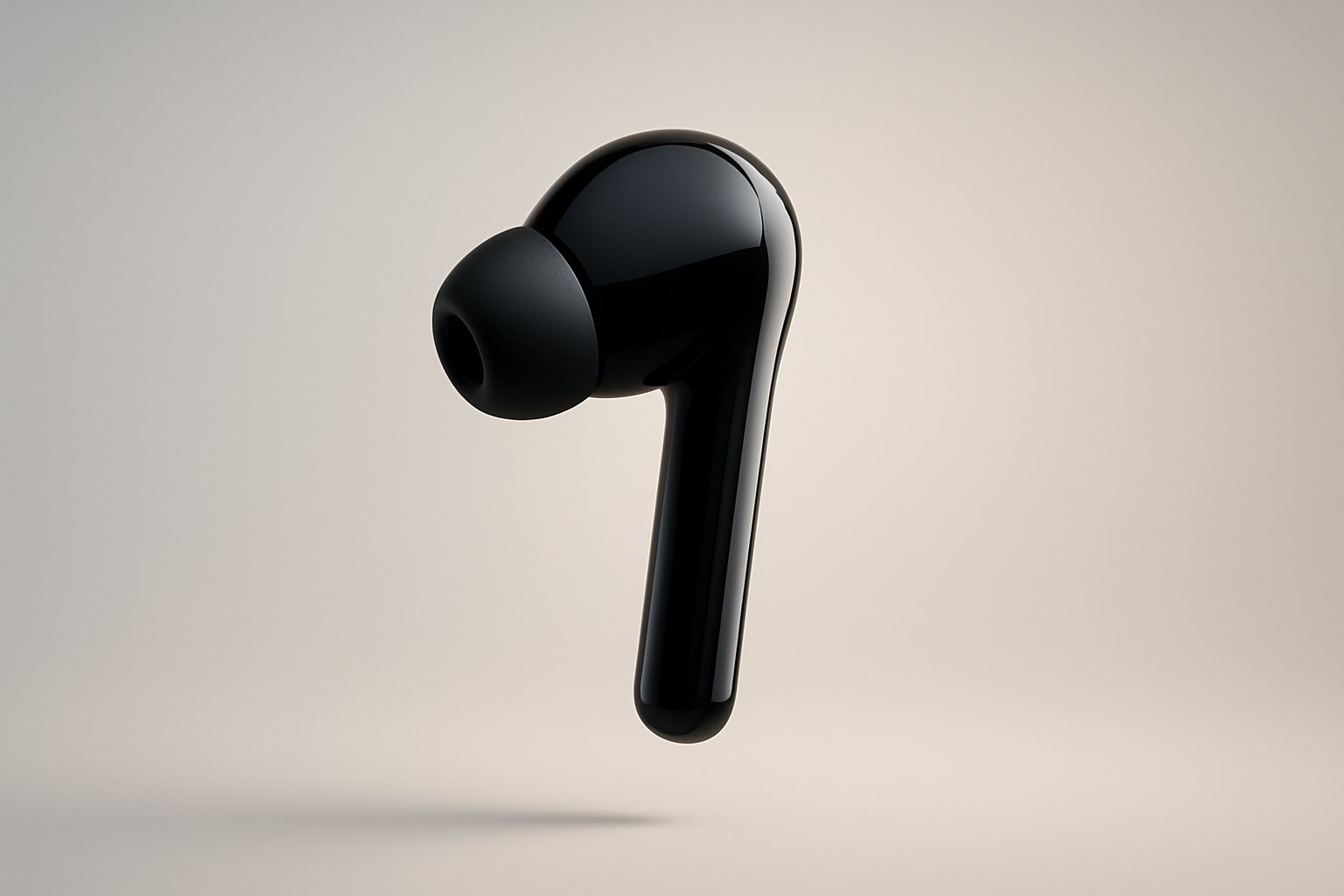
- Aim for soft, natural-looking light
- Avoid harsh shadows or blown-out highlights
- Make all your products look like they were shot in similar conditions
Auto-enhance features in Supra AI Photo Studio handle:
- Exposure and contrast
- Color balance
- Shadow and highlight recovery
Color
- Keep colors true to the real product (to reduce returns and complaints)
- Use background hues that complement, not clash with, the product
- Maintain a small, consistent color palette that matches your brand
Consistency
- Align angles: e.g., all beverage cans in ¾ view
- Align cropping: similar padding around each product
- Align treatment: same background style and contrast level across your catalog
This makes your brand look polished and trustworthy in every ad set.
7. Add Human And UGC Elements
Social platforms reward content that feels native, not like a banner ad.
Use UGC-style visuals
- Products in real hands or real environments
- Imperfect but authentic-feeling framing
- Text that looks like captions or on-screen notes
With Supra AI Photo Studio’s UGC Video Generator, you can turn simple product images into influencer-style clips with:
- Chosen voice and vibe
- Native social vertical formats
- Fast variations for creative testing
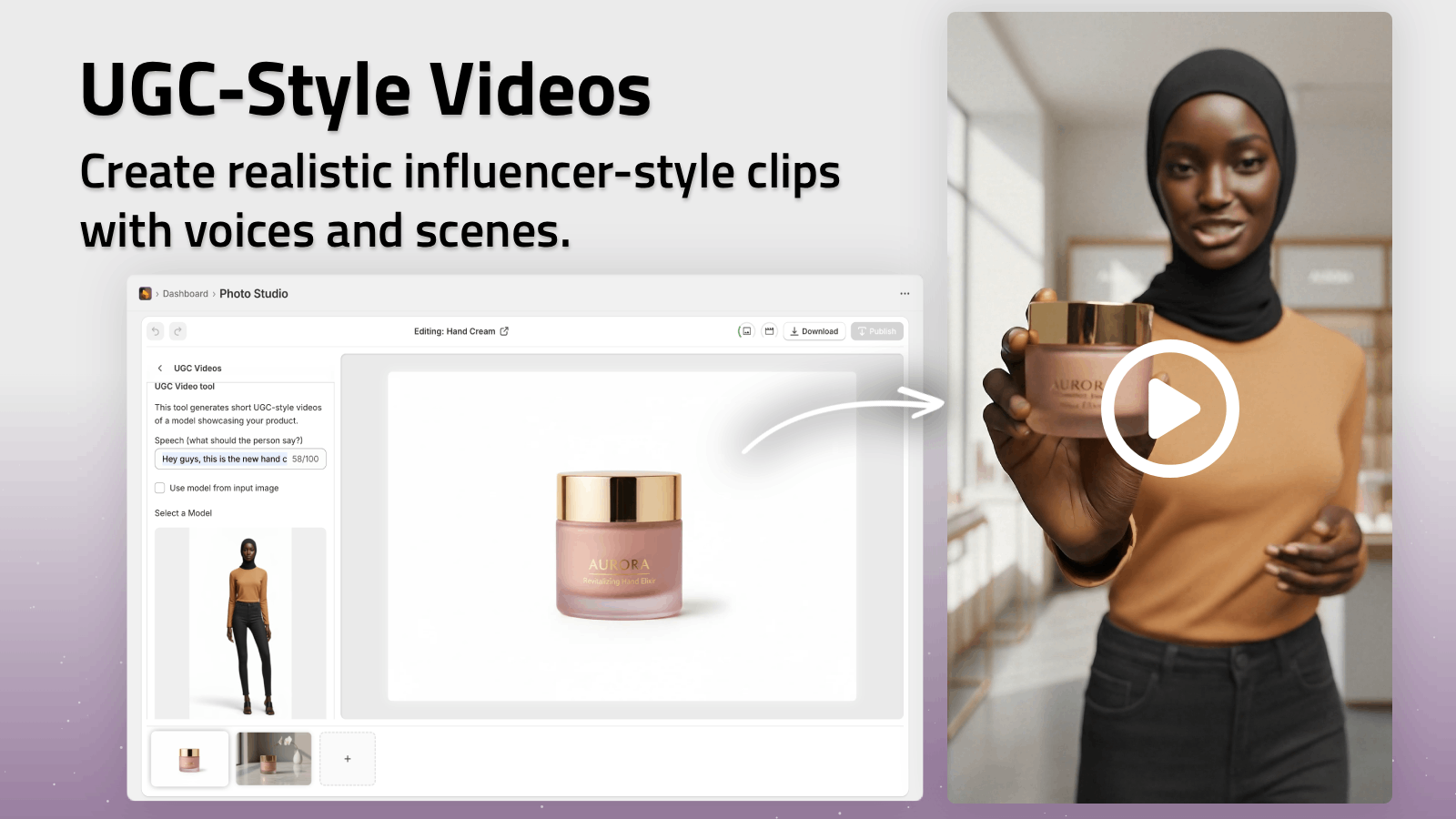
Even if you start from polished catalog images, adding a few UGC-style variants to your creative mix can improve CTR and lower CPC.
8. Test Creatives Systematically
Optimization is not guessing—it’s testing.
Variables to A/B test in your product photos
- Background type: plain vs lifestyle
- Angle: front, ¾, close-up detail
- Human vs no human: model vs product-only
- Composition: centered vs off-center with text
- Color accents: different background or prop colors
Using an AI-powered editor like Supra AI Photo Studio makes it easy to spin up dozens of variations from a single base image:
- Duplicate your best product shot
- Change environment or angle with Object Placement
- Generate on-model and close-up versions
- Export multiple aspect ratios for each platform
Then plug these variants into your ad campaigns and let real data tell you what works.
9. Keep The Journey Consistent With Your Store
A high-performing ad is useless if users land on a messy product page that looks completely different.
Your social ad photos and your Shopify product photos should:
- Use the same or similar backgrounds
- Show the product from matching angles
- Use similar tones, colors, and lighting
Since Supra AI Photo Studio is a Shopify app, you can:
- Edit and enhance images directly inside your product pages
- Use the same visuals in ads, PDPs, emails, and social content
- Keep your entire catalog visually aligned without leaving your admin
Learn more or install it here: Supra AI Photo Studio — Shopify App
10. A Simple Workflow To Optimize Product Photos For Social Ads
Here’s a repeatable process you can follow for each new product:
- Start with a clean shot
- One well-lit photo on a neutral background.
- Enhance & clean up
- Use auto-enhance, upscaling, and background removal in Supra AI Photo Studio.
- Create platform-ready variants
- Square and vertical crops for Feed, Reels, TikTok, Stories.
- Generate lifestyle and on-model shots
- Use Object Placement and AI Try-On.
- Create UGC-style visuals and short videos
- Use the UGC and B-roll video tools for social-native assets.
- Launch tests
- Run at least 3–5 image variants per product in your campaigns.
- Scale what works
- Double down on winning styles and replicate them for other products.
Turn Plain Photos Into High-Performing Ad Creatives
You don’t need an in-house studio or a huge budget to get scroll-stopping product photos. With the right structure—and a bit of AI help—you can:
- Make your products look premium and consistent
- Produce endless ad variations from a few base shots
- Improve CTR, lower CPC, and increase conversions
If you’re on Shopify, you can transform your existing catalog into professional, ad-ready visuals in minutes with Supra AI Photo Studio:
- Background removal & replacement
- Auto-enhance and upscaling
- AI Try-On for fashion products
- Lifestyle Object Placement
- UGC & B-roll video generation
👉 Explore the app and get started for free:
Install Supra AI Photo Studio on Shopify
You’ll spend less time editing and more time scaling ads that actually convert.