
Minimalist Product Photo Ideas For Modern Stores
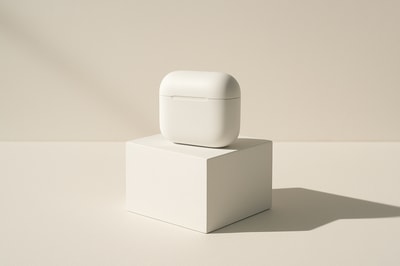
Minimalism isn’t just an aesthetic trend—it’s one of the most effective ways to make your products feel premium, modern, and trustworthy.
In ecommerce, especially on Shopify, minimalist product photography helps shoppers focus on what matters: your product, its benefits, and your brand’s vibe.
In this guide, you’ll find practical minimalist product photo ideas you can use today, plus how to create them quickly using AI with tools like Supra AI Photo Studio.
Why Minimalist Product Photography Works So Well
Minimalist images strip away distractions—no cluttered props, no chaotic colors, no busy backgrounds. That leads to:
- Higher perceived value – Clean visuals are associated with luxury, tech, and design-led brands.
- Better focus on the product – Your product becomes the hero, not the background.
- Faster decision-making – Shoppers can instantly understand what you’re selling.
- Consistent branding – Minimalism is easier to standardize across an entire catalog.
Instead of huge studio budgets, you can now use AI to get the same look in minutes with Supra AI Photo Studio.
1. Single-Object on Clean Background
The core of minimalist photography: one product, one background, nothing else.
How to design it:
- Use a plain white, light gray, or soft beige background.
- Keep the product centered or slightly off-center.
- Avoid complex props. At most, use a simple pedestal or block.
Works great for:
- Skincare and cosmetics
- Tech accessories
- Jewelry and watches
How to create this look with AI
Using Supra AI Photo Studio:
- Upload a basic product image, even if it’s shot on your desk.
- Use Background Remover to isolate the product.
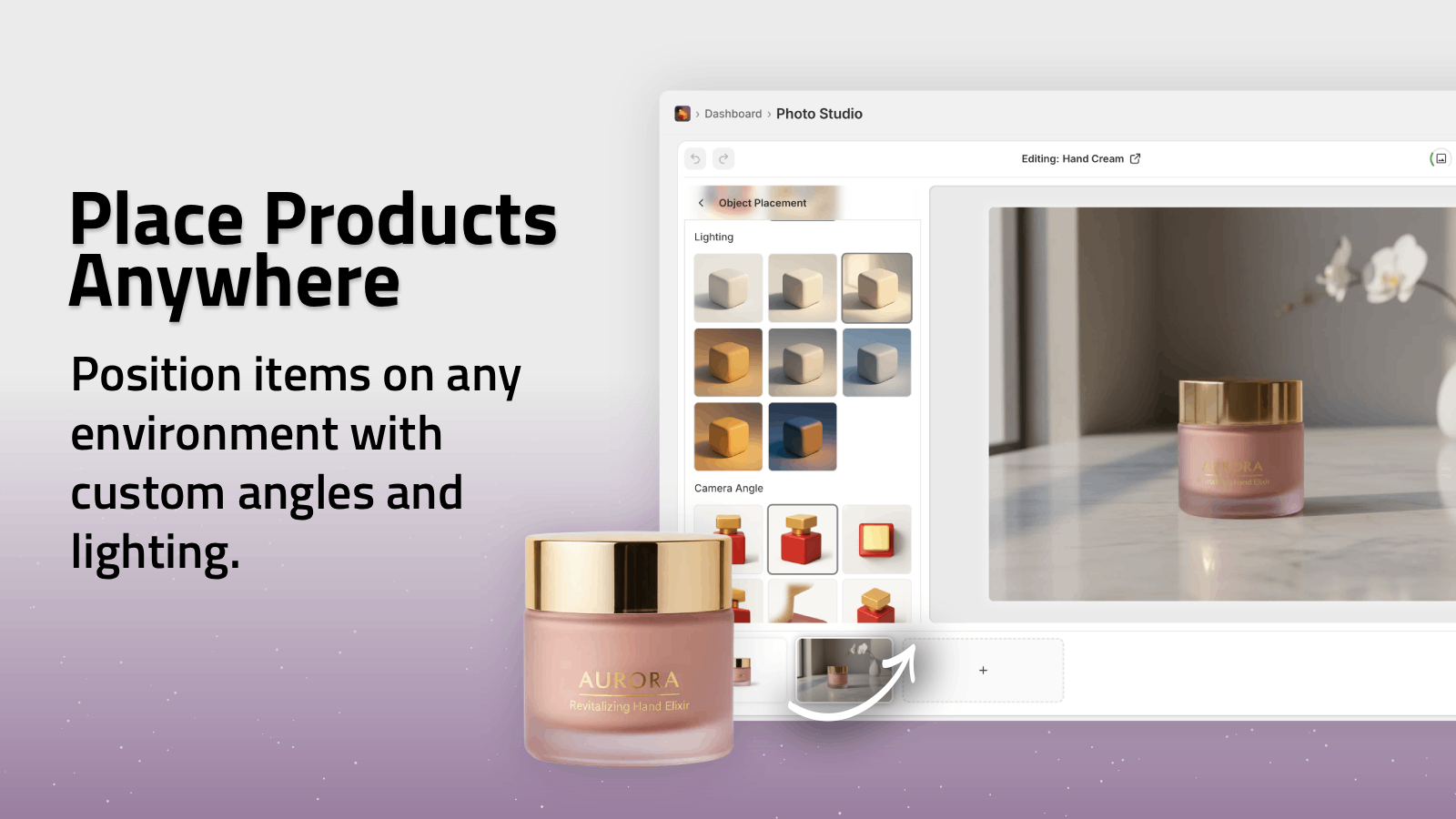
- Use Object Placement to drop it onto a clean studio surface (e.g., “white seamless backdrop, soft shadows, daylight studio lighting”).
- Use Auto Enhance to fix lighting and sharpness.
Your dull original becomes a crisp, minimalist hero image you can reuse across your store.
2. Soft Shadows & Natural Light Vibes
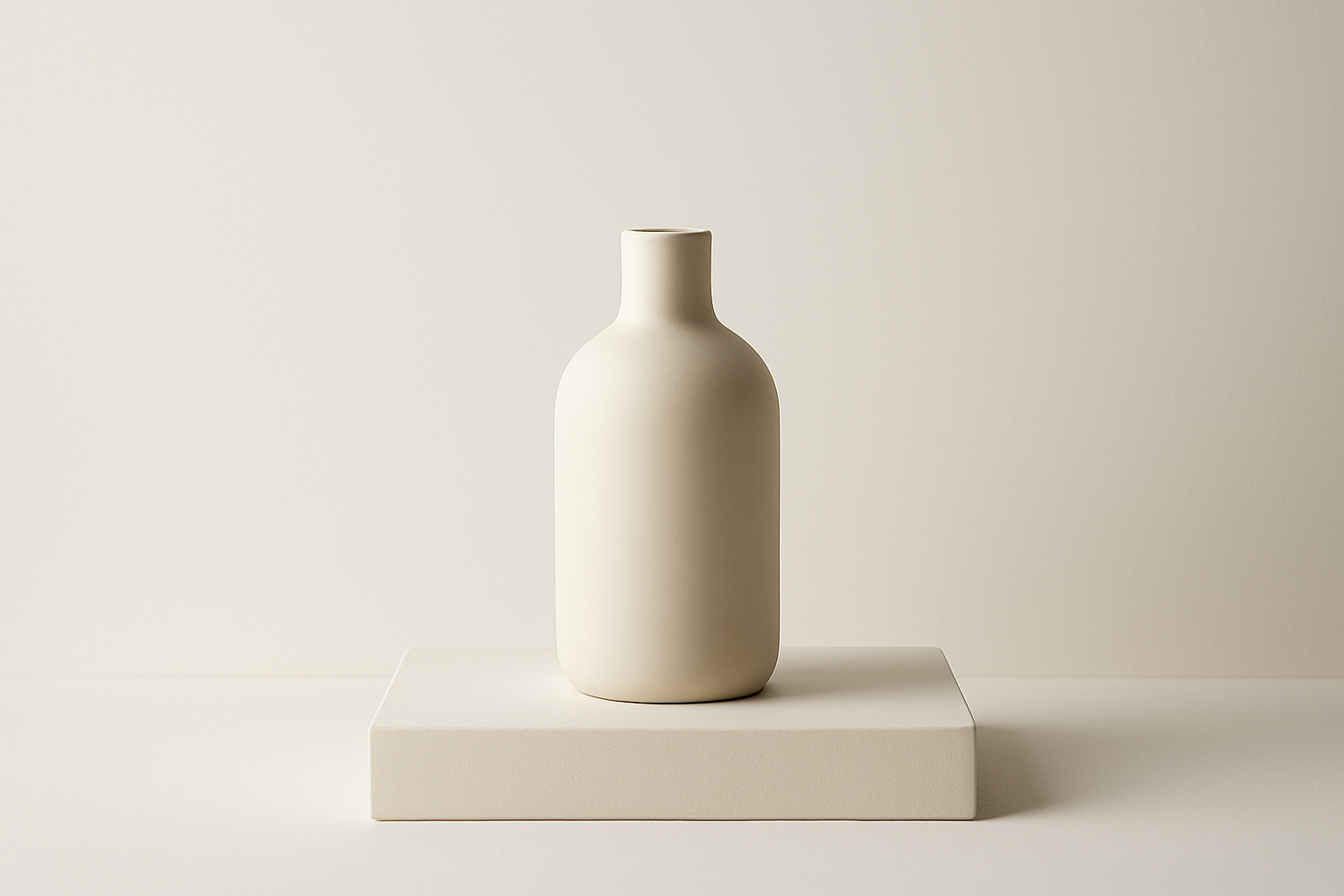
Minimalist doesn’t have to mean flat or boring. Soft, elongated shadows instantly add depth while keeping things clean.
Ideas to try:
- Simulate sunlight coming from one side with subtle window shadows.
- Keep the color palette neutral: whites, creams, sand, stone.
- Place the product on a simple matte surface (plaster, stone, wood).
With Supra AI Photo Studio:
- After isolating your product, use Object Placement and describe your scene:
- “Product on warm beige plaster surface, side sunlight, soft blurred window shadow on background, minimal, editorial lighting.”
- Use Upscaling to keep textures and edges crisp even for large homepage banners.
This style is ideal for brands wanting a calm, lifestyle-minimalist feel instead of harsh studio vibes.
3. Geometric Pedestals & Shapes
Minimalist doesn’t mean empty—it often means simple, intentional geometry.
Design elements to use:
- Cylinders, cubes, arches, and steps in matching or tonal colors.
- One or two shapes only, to avoid clutter.
- Your product as the focal point at the highest or most central spot.
Example concepts:
- A fragrance bottle on a stone cylinder with a rectangular block behind.
- Headphones resting inside a clean arch shape.
Build this with AI:
Using Supra AI Photo Studio:
- Isolate the product.
- In Object Placement, use prompts like:
- “Product on off-white cylindrical pedestal, minimal arch in background, soft studio light, subtle shadows, modern gallery style.”
- Apply Auto Enhance to balance highlights and shadows.
Result: on-brand, magazine-style shots—without ever buying props.
4. Monochrome Color Stories
Another powerful minimalist trick: limit yourself to one color family.
How to do it:
- Match the background tone to a color in your product (or its packaging).
- Keep saturation low and stick to 2–3 shades of the same hue.
- Let contrast come from light and shadow, not many colors.
Best for:
- Fashion accessories
- Beauty brands
- Lifestyle tech (earbuds, speakers, gadgets)
Using Supra AI Photo Studio:
- Use Background Replacement to set a monochrome backdrop:
- “Muted sage green background, soft gradient, minimal, no texture.”
- For multiple SKUs, repeat the same lighting style and angle so your collection grid looks intentional and cohesive.
5. Minimalist Flat Lays
Flat lays can easily become cluttered, but a minimalist approach keeps them sharp and shoppable.
Guidelines for minimalist flat lays:
- Shoot straight from above.
- Use very few props, each with a clear purpose.
- Keep lots of negative space where the eye can rest.
Examples:
- A skincare trio spaced evenly on a white background.
- A notebook, pen, and phone case laid out in a simple grid.
With Supra AI Photo Studio:
- Use Object Placement with a top-down camera angle:
- “Top-down view, matte white surface, soft shadow below each object, minimal grid arrangement.”
- Use Auto Enhance and Upscaling to keep edges sharp, especially for text details like labels.
6. Minimal On-Model Shots for Fashion Brands
Minimalism isn’t only for product-only shots. Fashion and accessories can also benefit from clean, simple model images.
Minimalist on-model concepts:
- Neutral clothing on neutral backdrops.
- Clean poses: standing straight, slight turn, sitting on a simple stool.
- No busy locations—think studio, soft wall, or a plain corner.
Create this with AI Try-On (no photoshoot needed)
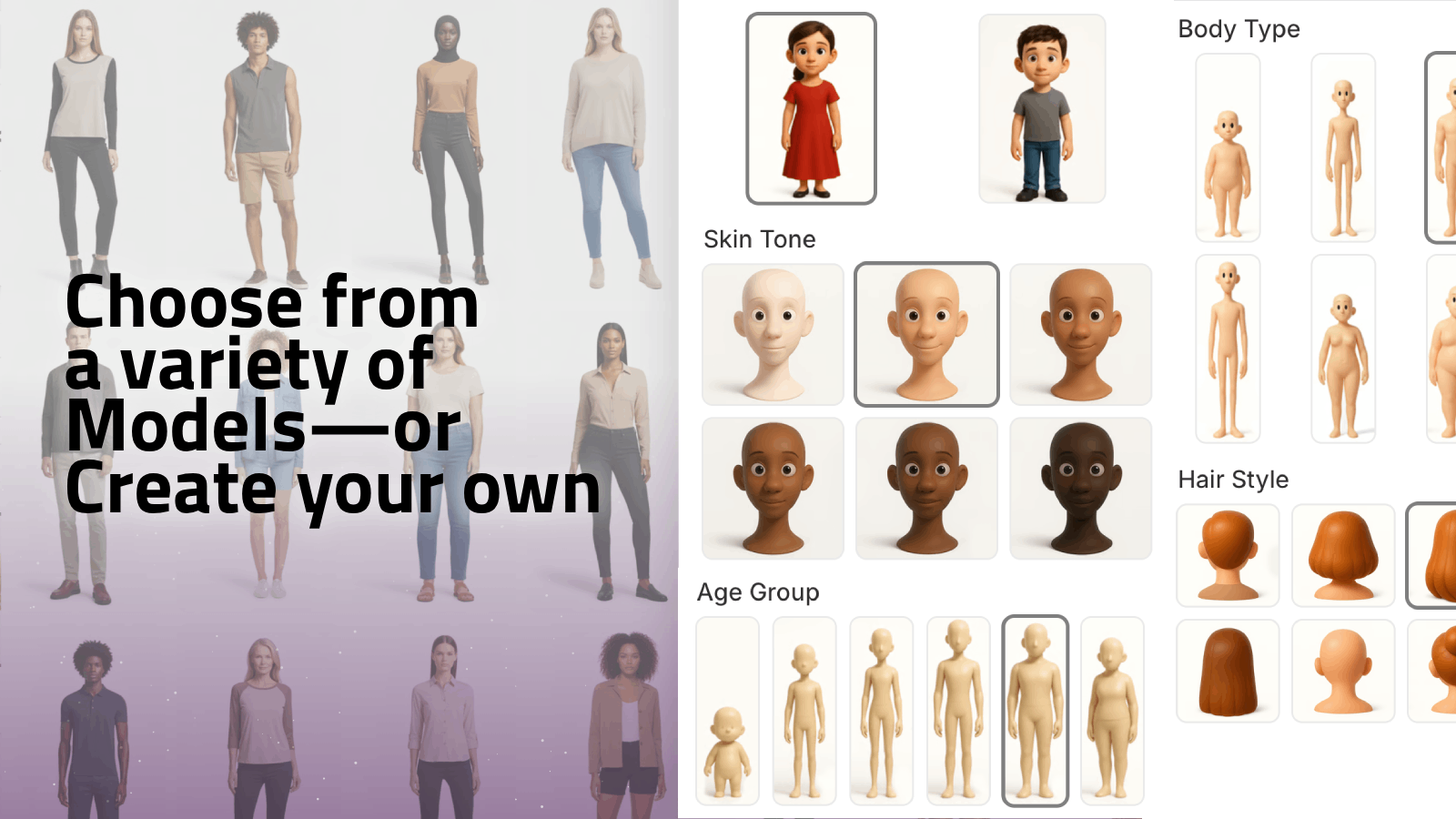
Supra AI Photo Studio’s AI Try-On lets you place your apparel, jewelry, or accessories onto realistic models:
- Upload your product photo (t-shirt, dress, ring, necklace, etc.).
- Use Isolate Product so the AI understands the garment.
- Use AI Try-On:
- Choose or create a model (body type, skin tone, gender).
- Pick a simple background and pose.
- Generate multiple variations to find your perfect minimalist look.
This gives you consistent, studio-like on-model photos without expensive photoshoots or casting.
7. Minimalist Lifestyle Context (Without Clutter)
Sometimes you need context—a mug on a table, a lamp in a living room—but still want a minimalist brand feel.
How to balance lifestyle + minimalism:
- Use simple, tidy environments: a clean kitchen counter, a neat desk, a quiet bedroom.
- Limit props to 1–3 items closely related to the product’s use.
- Keep the color palette soft and limited (e.g., wood + white + one accent).
With Supra AI Photo Studio’s Object Placement:
- Prompt examples:
- “Product on light wood desk near laptop, white wall background, minimalist home office, soft daylight, no clutter.”
- “Candle on simple bedside table, linen sheets, neutral tones, calm minimalist bedroom.”
This gives shoppers enough context to imagine using your product—without overwhelming the image.
8. Minimalist Product Videos & Motion
Minimalism also works brilliantly in short product videos and b‑roll used for ads, PDPs, and social content.
With Supra AI Photo Studio, you can:
- Generate clean product b‑roll: slow rotations, product drops, or subtle camera moves on a plain background.
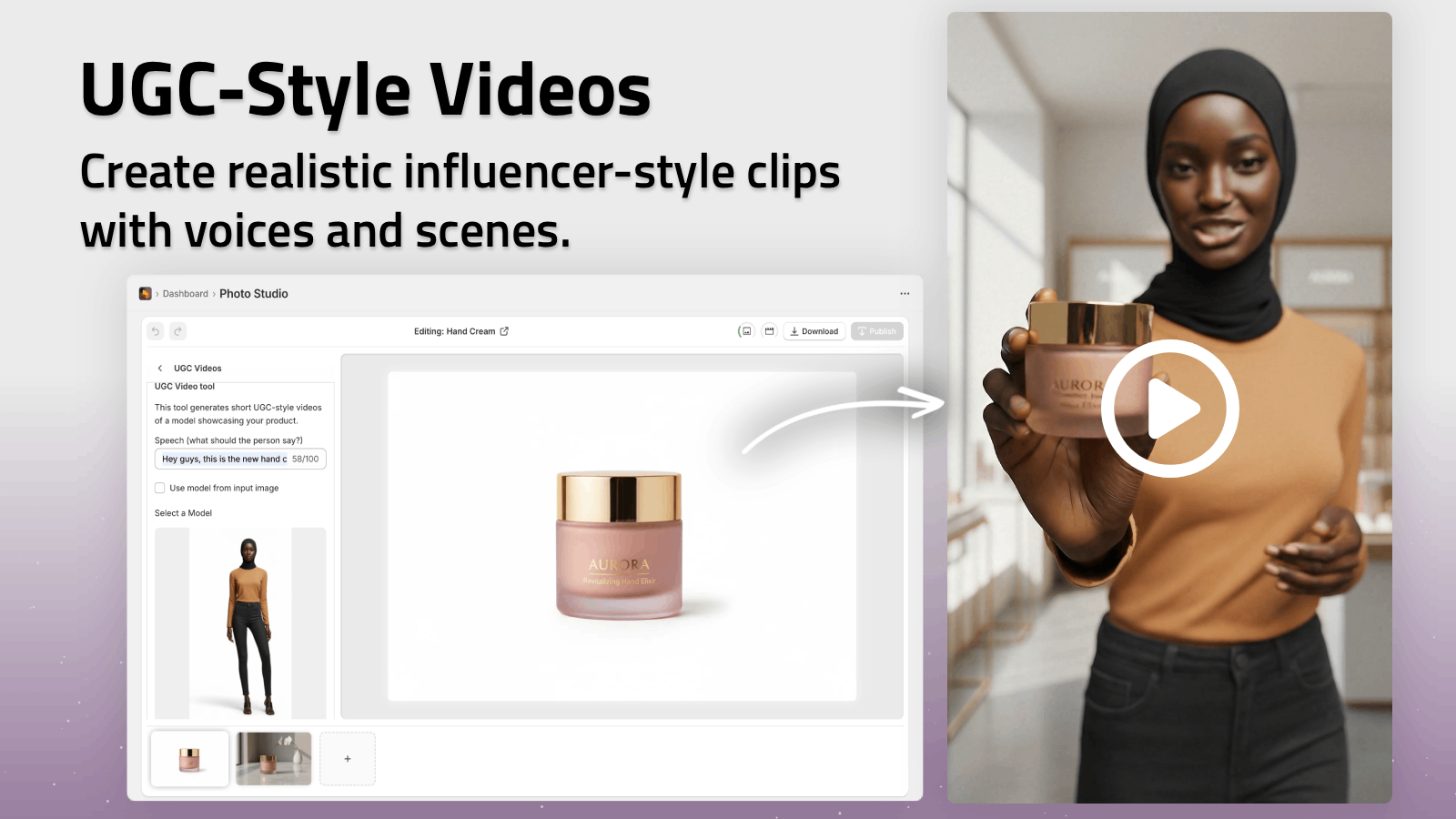
- Create UGC-style videos where a single person talks about the product in front of a clean background—no chaotic settings.
Use prompts and options that emphasize:
- Simple backgrounds
- Clean framing
- Clear focus on the product
You can see a taste of what’s possible in their demo trailer:
Watch the Supra AI Photo Studio demo
9. Keeping Your Minimalist Look Consistent
Minimalism only truly shines when it’s consistent across your whole catalog.
Here’s how to keep everything aligned:
-
Decide on your base style
- Background colors (e.g., white + light gray)
- Shadow type (soft vs stronger)
- Angles (front, 45°, top-down)
-
Create a simple style guide
- 1–2 pages with references and notes: “Always soft daylight,” “Max 1 prop,” “No textured backgrounds for hero images,” etc.
-
Use AI to replicate the same style for every product
- With Supra AI Photo Studio’s editor (see overview here:
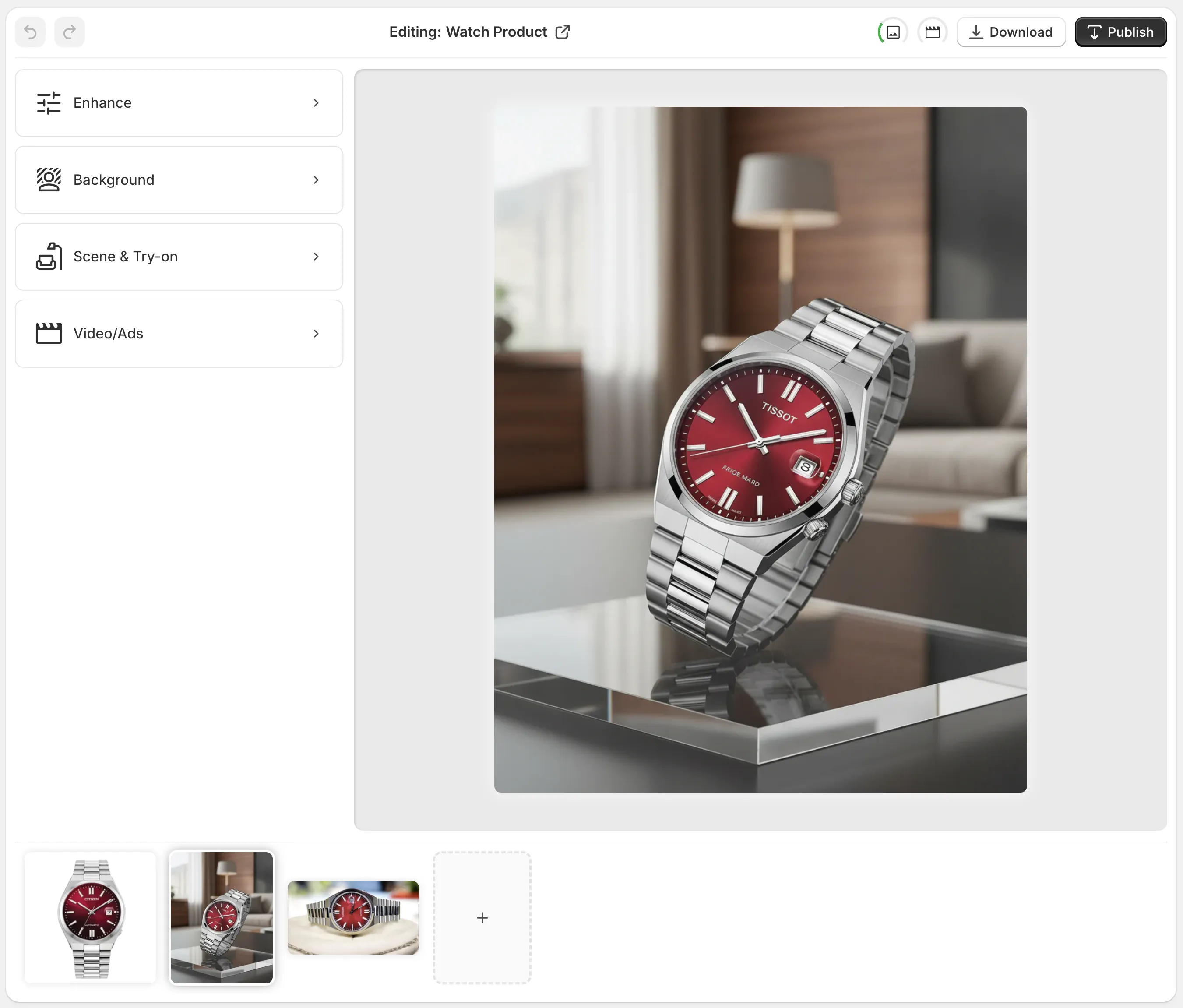 ), you can reuse the same prompts and settings for all your SKUs.
- With Supra AI Photo Studio’s editor (see overview here:
Result: your store looks curated and premium, not like a random collection of photos from different places.
How to Start: From Basic Photos to Minimalist Masterpiece
You don’t need a perfect shoot to begin.
- Install Supra AI Photo Studio on your Shopify store from the App Store listing.
- Upload whatever product photos you already have—even if they’re basic or shot on a table.
- Use these tools in order:
- Isolate Product → remove distractions.
- Object Placement → put your product in clean, minimalist scenes.
- Auto Enhance + Upscaling → polish and sharpen.
- AI Try-On / UGC / B‑Roll (optional) → extend your minimalist look to models and video.
There’s a free plan, so you can experiment with minimalist concepts before committing.
Final Thoughts
Minimalist product photography is one of the fastest ways to make your Shopify store feel modern, trustworthy, and premium.
By focusing on clean backgrounds, simple shapes, controlled color, and consistent style—and by using AI tools like Supra AI Photo Studio—you can transform ordinary product images into high-conversion visuals without hiring a studio.
Start with one collection, define your minimalist style, and then roll it out across your entire catalog. Your products (and conversion rate) will thank you.